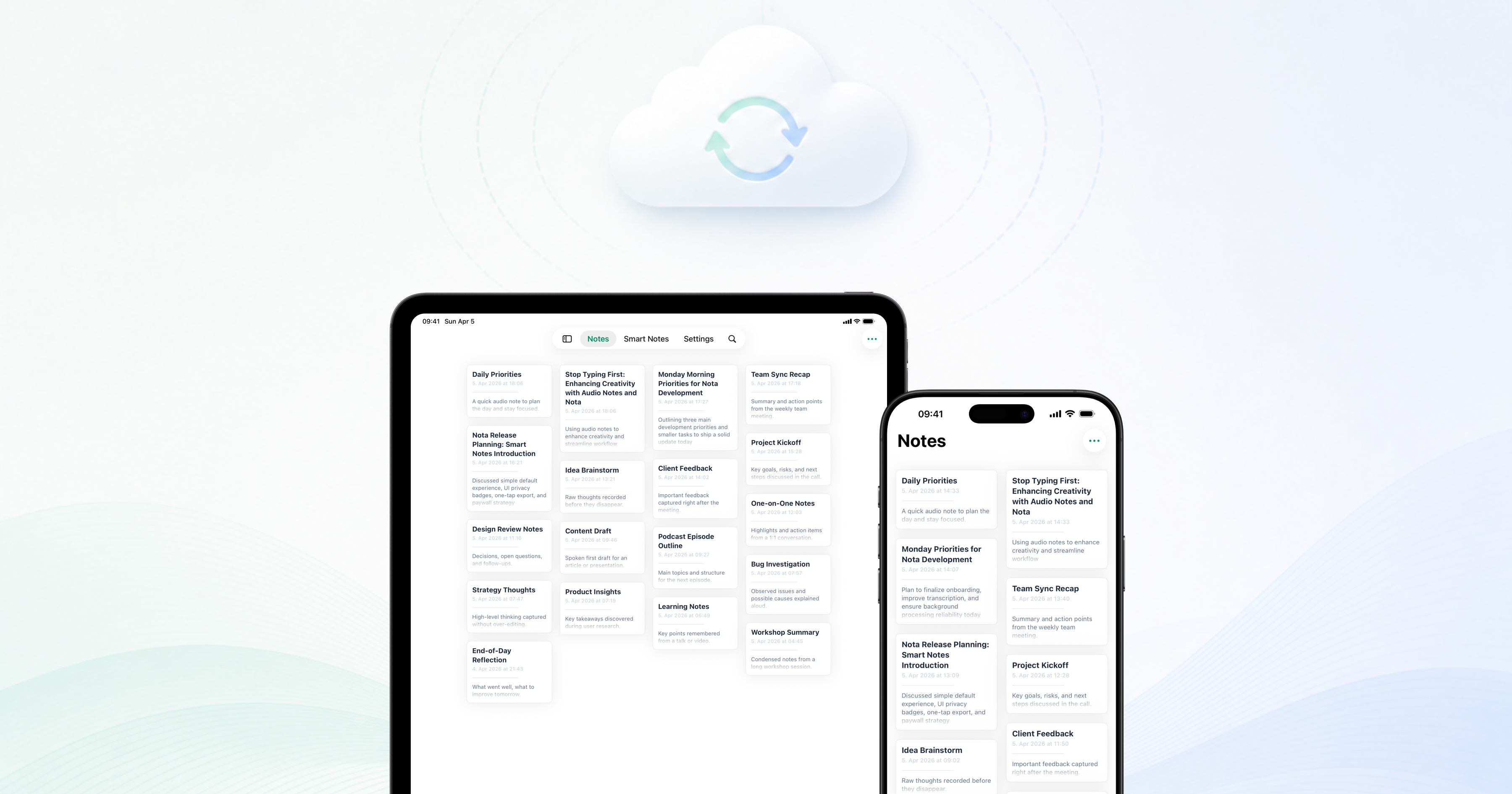
The biggest update since Nota’s initial release is here: iCloud sync*.
Nota can now keep your data in sync across your Apple devices, so the notes you create on one device are available when you open Nota somewhere else. Capture a thought, return to it later from another device, and keep your work moving without manually exporting or rebuilding context.
We built this update around the same idea that has guided Nota from the start: audio notes should feel useful without feeling heavy. iCloud sync makes Nota easier to use as an everyday notes system, not just a place where individual recordings live.
Why iCloud sync matters
People rarely think in one place anymore. You might capture a meeting on your phone, clean up an idea at your desk, then return to the note later when you have a few quiet minutes.
With iCloud sync, Nota is better suited for that rhythm. Your recordings, notes, and generated structure can follow you between devices, so the useful parts of your work stay close without extra steps.
It also keeps the product direction clear: Nota is still being shaped as a private, calm workspace for spoken thoughts, meetings, conversations, and ideas. Sync makes that workspace more continuous.
What improved after the first release
Alongside iCloud sync, we have shipped a set of updates that make Nota feel steadier and more capable in daily use.
- Stability improvements across the app
- Better Smart Notes output and note structure
- Assistant improvements for clearer answers and more useful follow-up
- Recording stability improvements
- Quick Notes now support quick text import as a source
These changes are less flashy than sync, but they matter. A notes app has to earn trust through small repeated moments: starting a recording cleanly, generating a useful summary, opening reliably, and helping you get back to the point quickly.
What comes next
This update is a foundation for the next phase of Nota. Sync makes it possible for the app to feel more continuous across devices, and the improvements to Smart Notes, assistant behavior, recording, and Quick Notes give us a stronger base to build on.
We will keep improving the everyday flow: capturing faster, processing more reliably, making notes easier to review, and helping the assistant work better with the context you already have.
Nota is still moving in the same direction: fewer barriers between what was said and what you can actually use.
* iCloud sync is available for Pro users.