Nota Updates
New features, thoughtful product decisions, and small improvements to Nota, the Private AI Notes & Assistant that turns scattered notes into useful work.

Multiple Sources, One Complete Note
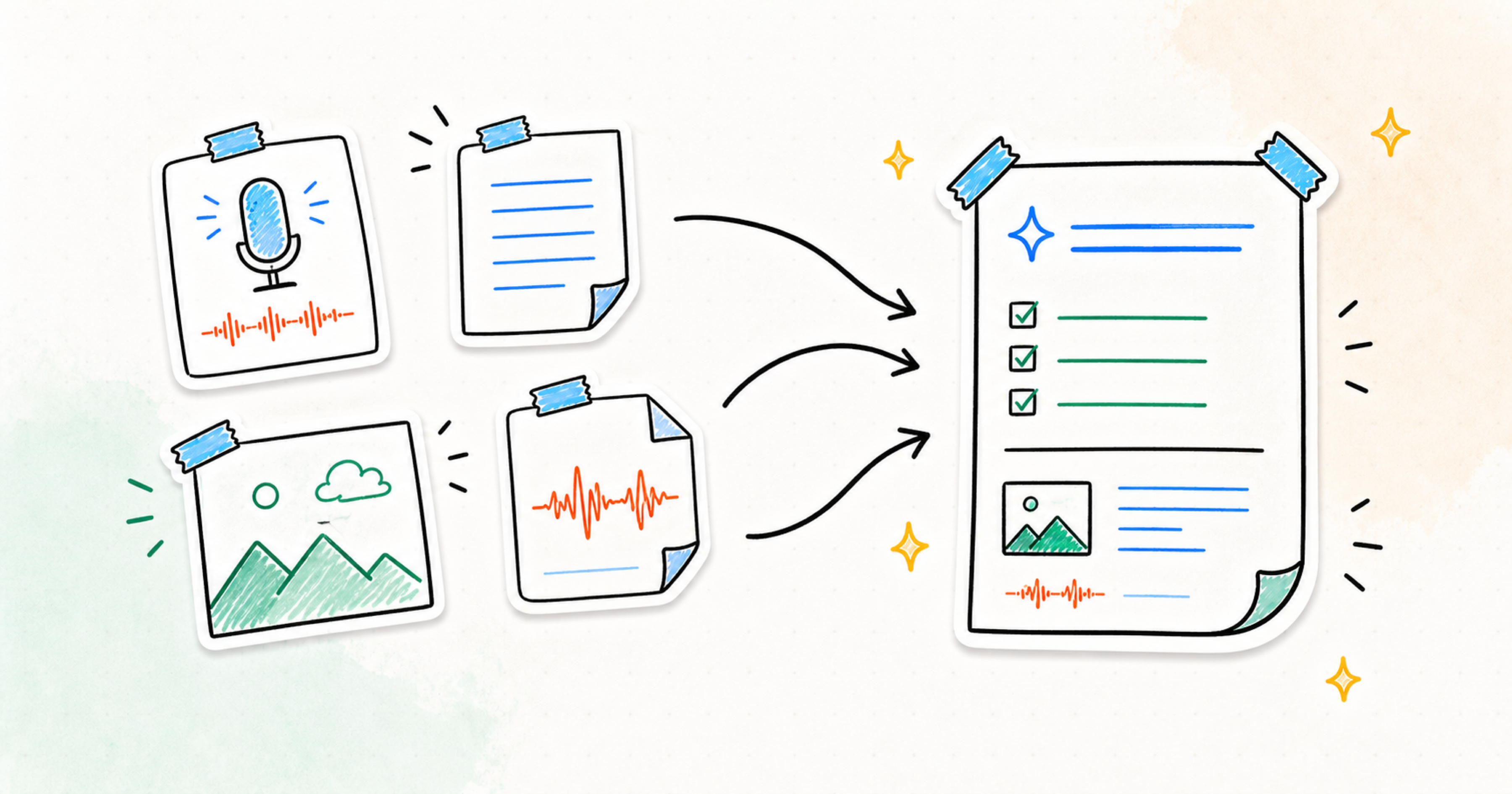
Nota now lets you combine voice, text, images, and imported audio inside one note, giving summaries and next steps more of the context behind the moment
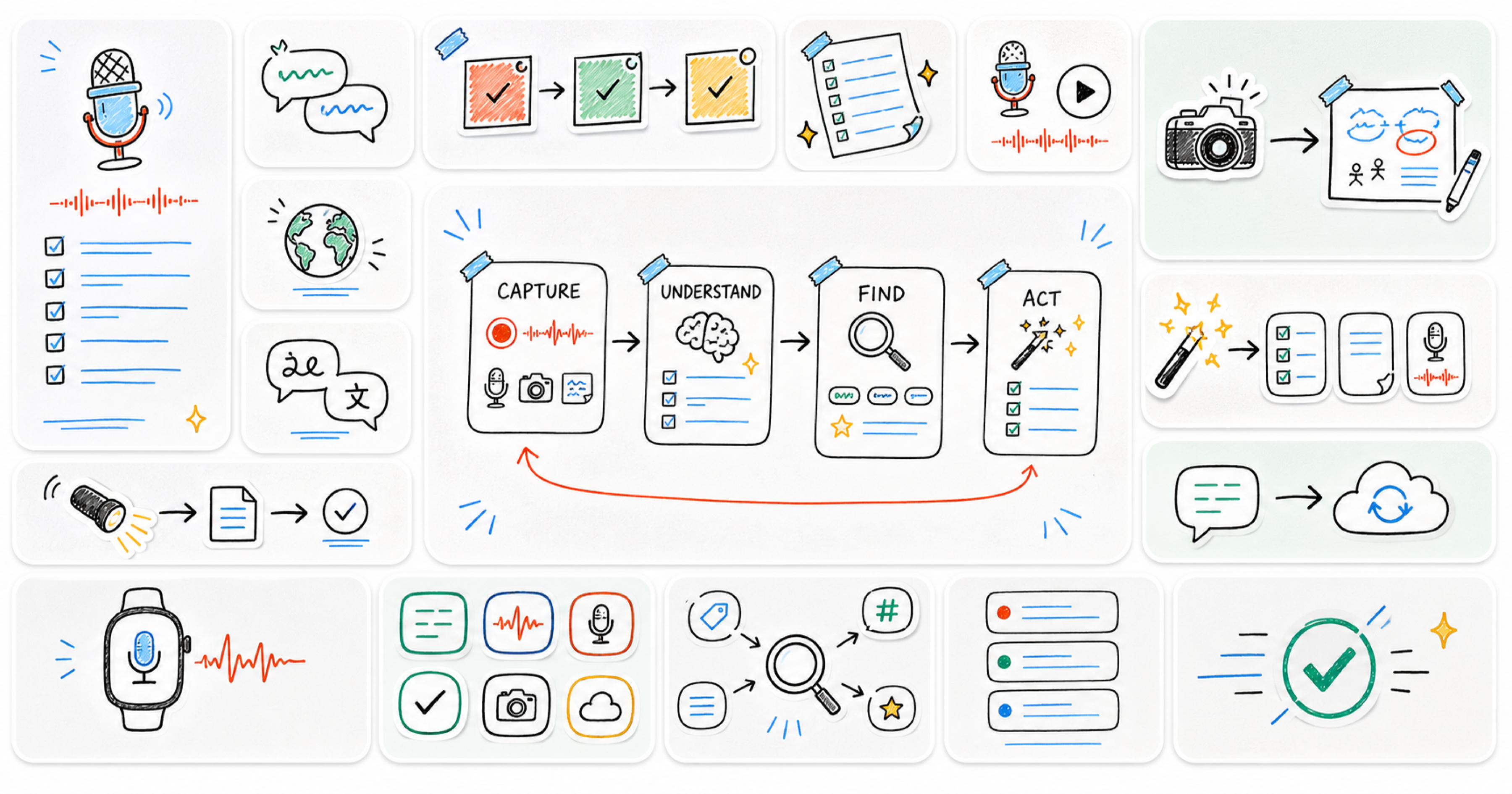
Four Months of Nota: Ten Releases, One Direction
From iCloud sync and photo notes to smarter search, system-wide capture, widgets, and Apple Watch — a look back at Nota's first four months of updates
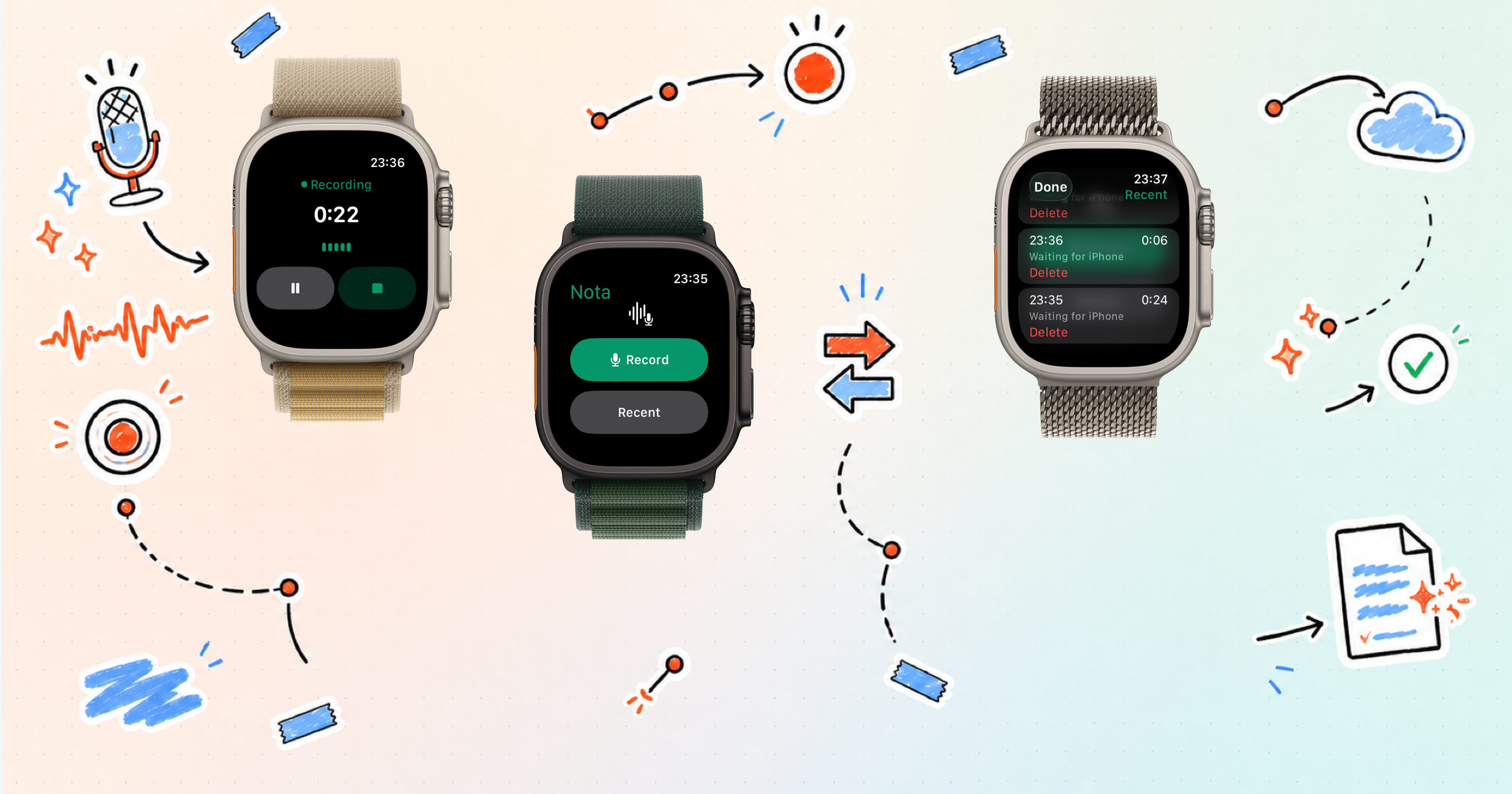
Nota Is Now on Apple Watch
Capture a voice recording from your wrist with Nota for Apple Watch, then continue with the recording in Nota on your iPhone

Images, Quick Actions, Smart Search, and Stronger Smart Notes
Nota now supports images as a source for notes, faster assistant quick actions, Smart Search, and more powerful Smart Notes for working across your ideas
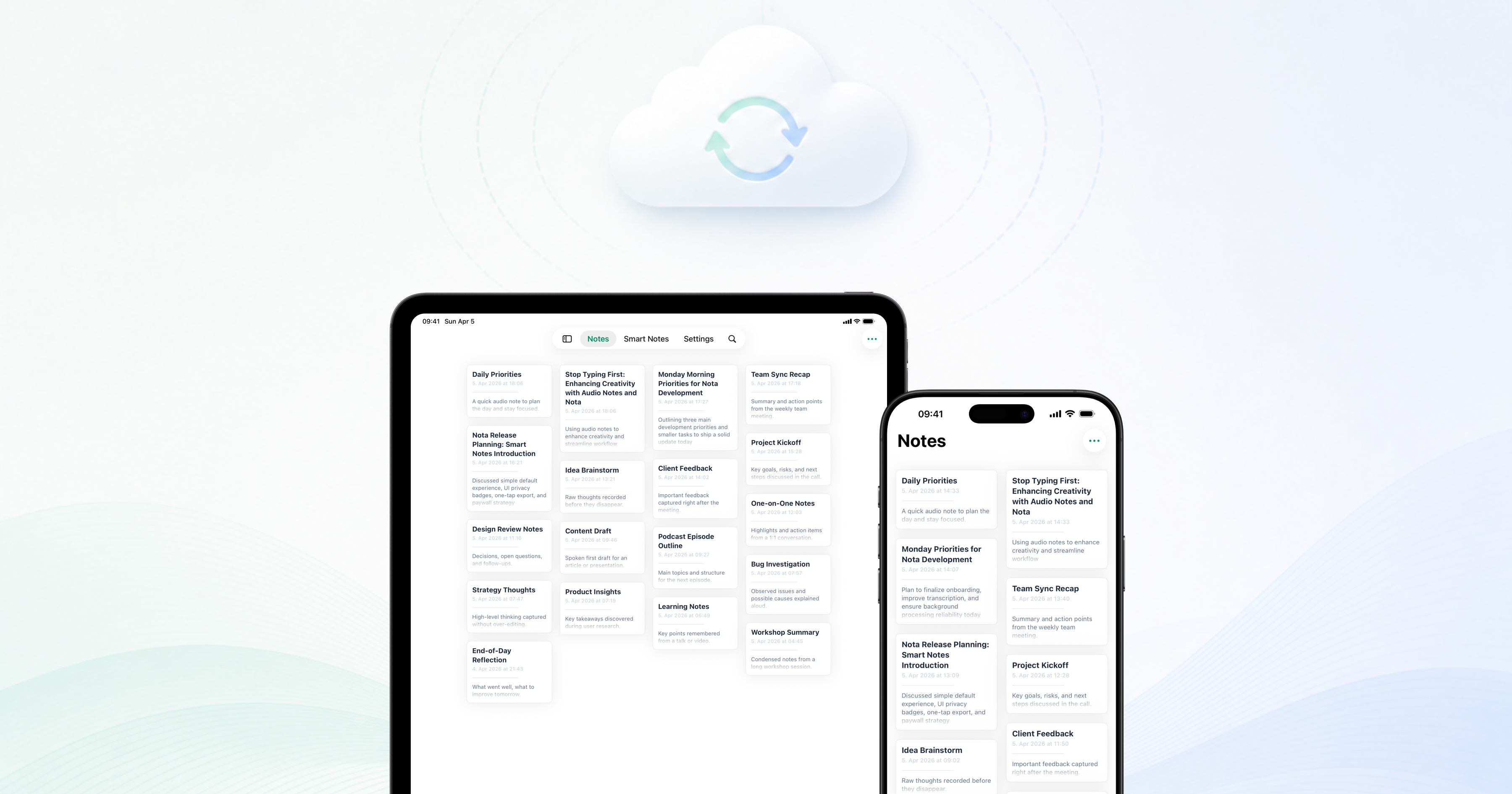
iCloud Sync Across Your Devices
Nota now lets you keep private AI audio notes in sync across Apple devices with iCloud, alongside improvements to reliability, Smart Notes, assistant quality, recordings, and Quick Notes
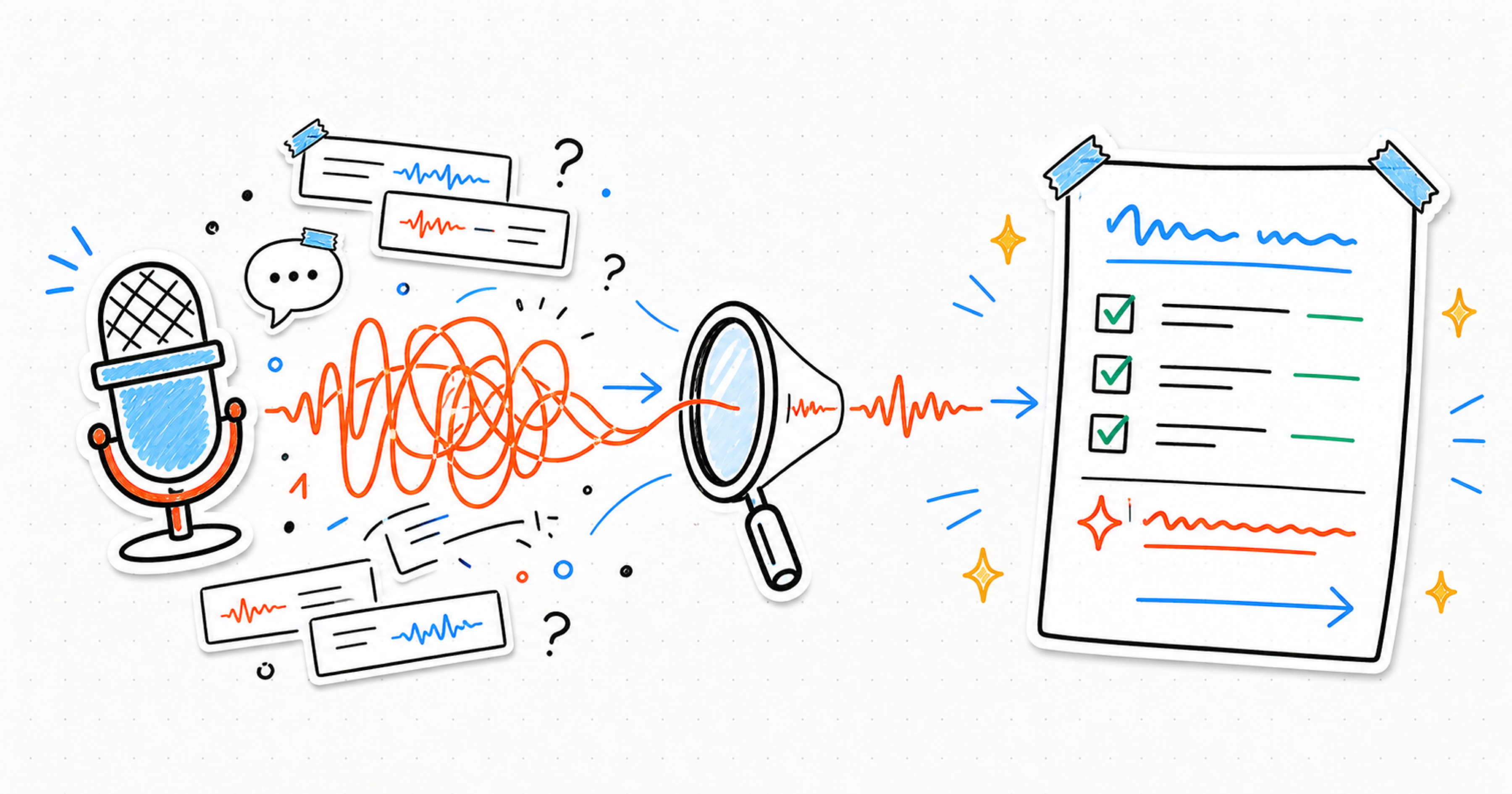
Why We Built Nota Around Clarity
A quick look at what Nota is for, how private AI audio notes treat recordings, and why the product surfaces the useful part first

Private by Default, Useful by Design
A short note on why Nota is shaped around private AI audio notes, local-first handling, calm review, and user control