Private AI Notes & Assistant
Turn scattered notes into clear, useful work
Combine voice, text, images, and imported audio in one note — Nota uses the whole context to create clearer summaries, briefs, plans, and follow-ups
- On-device transcription where supported
- No Nota account
- iCloud sync through your Apple account
Start with whatever you have
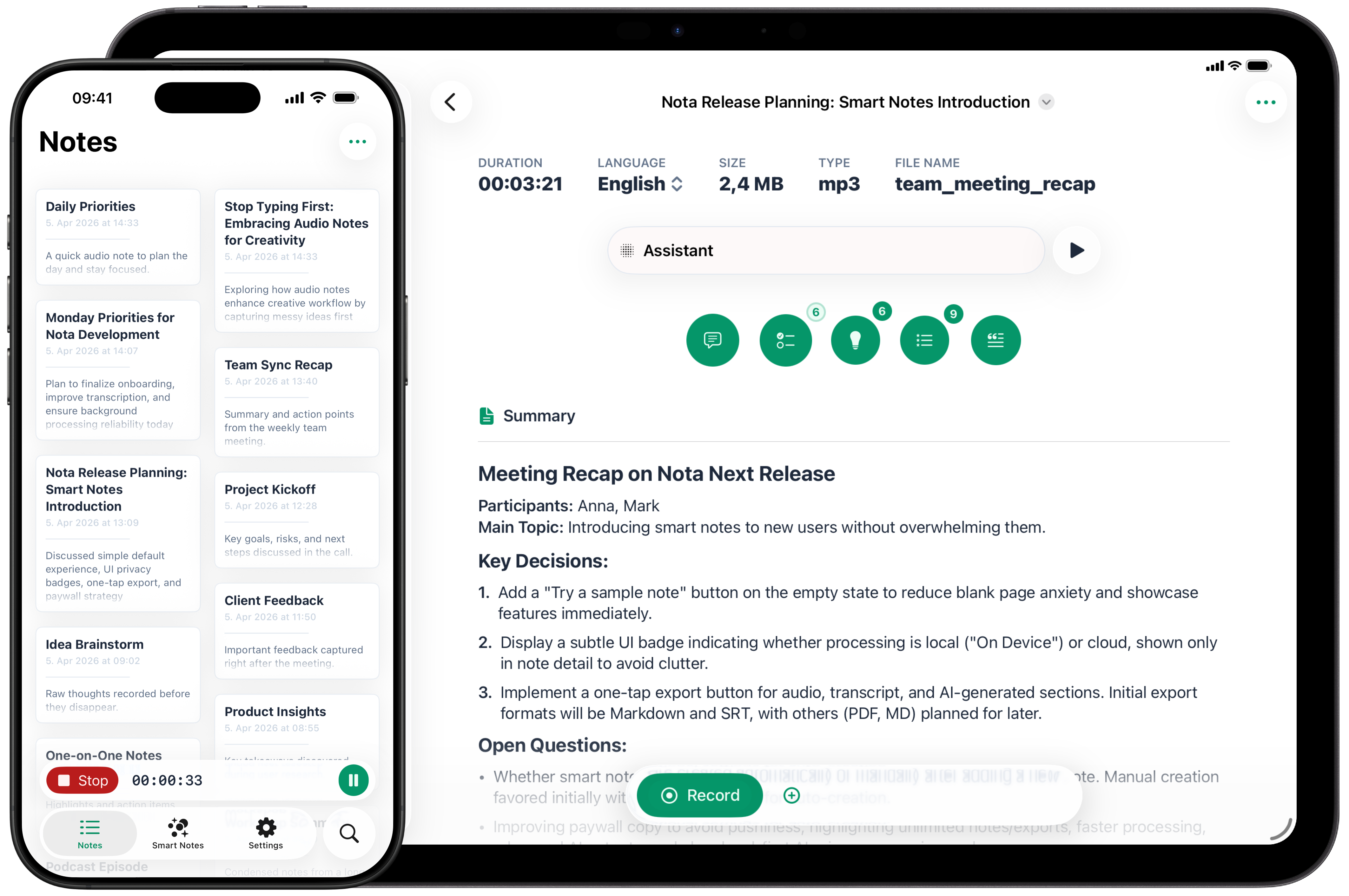
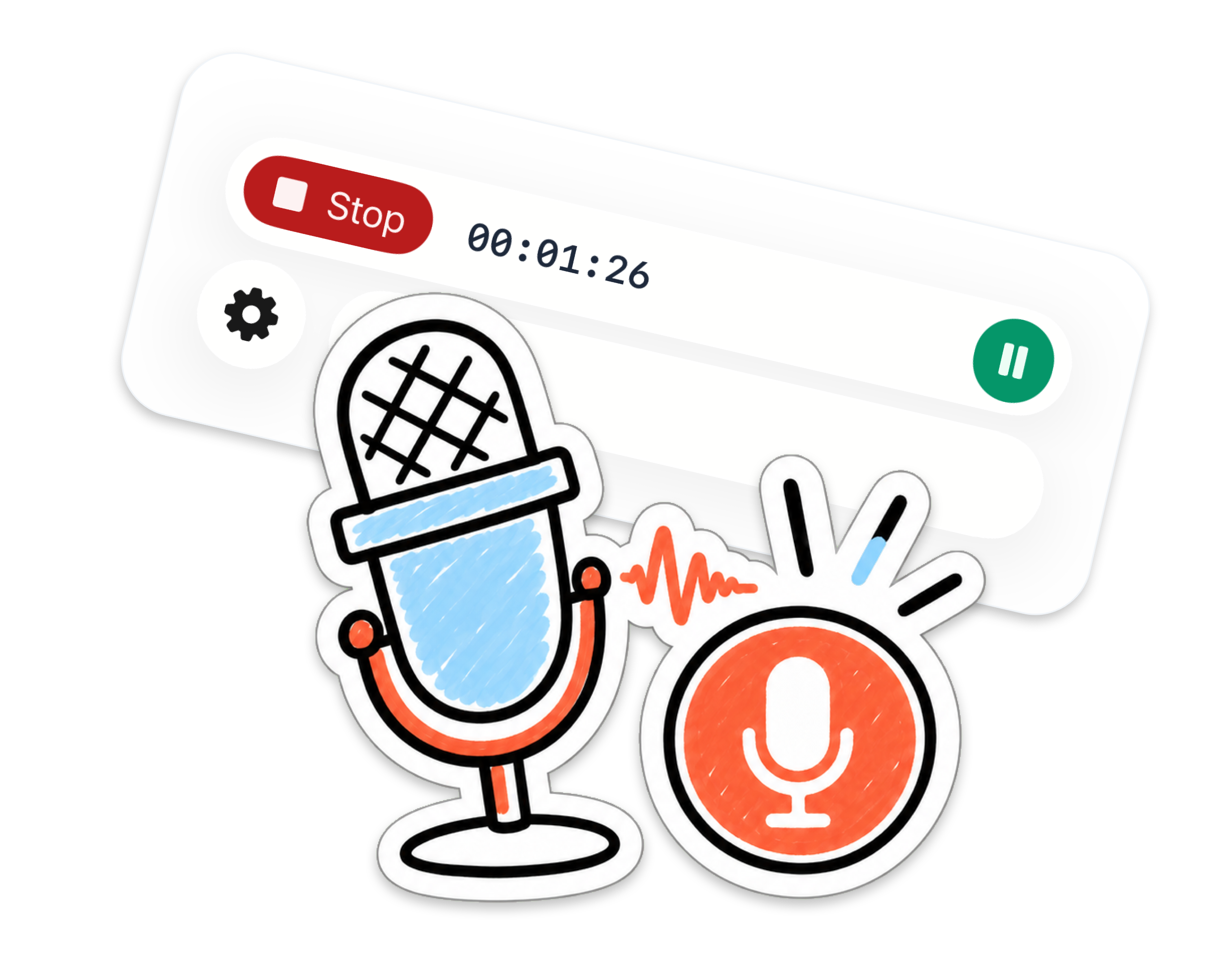
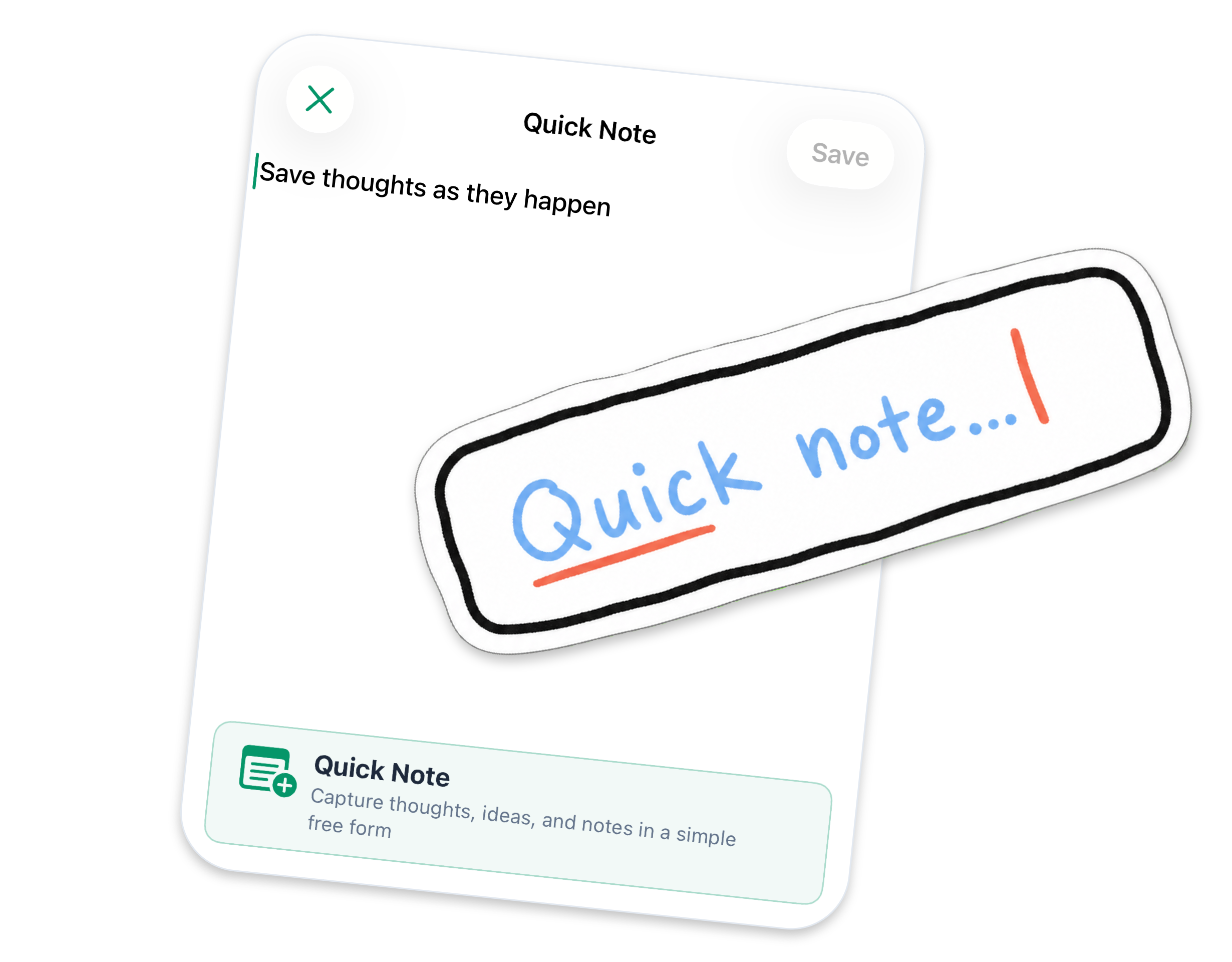
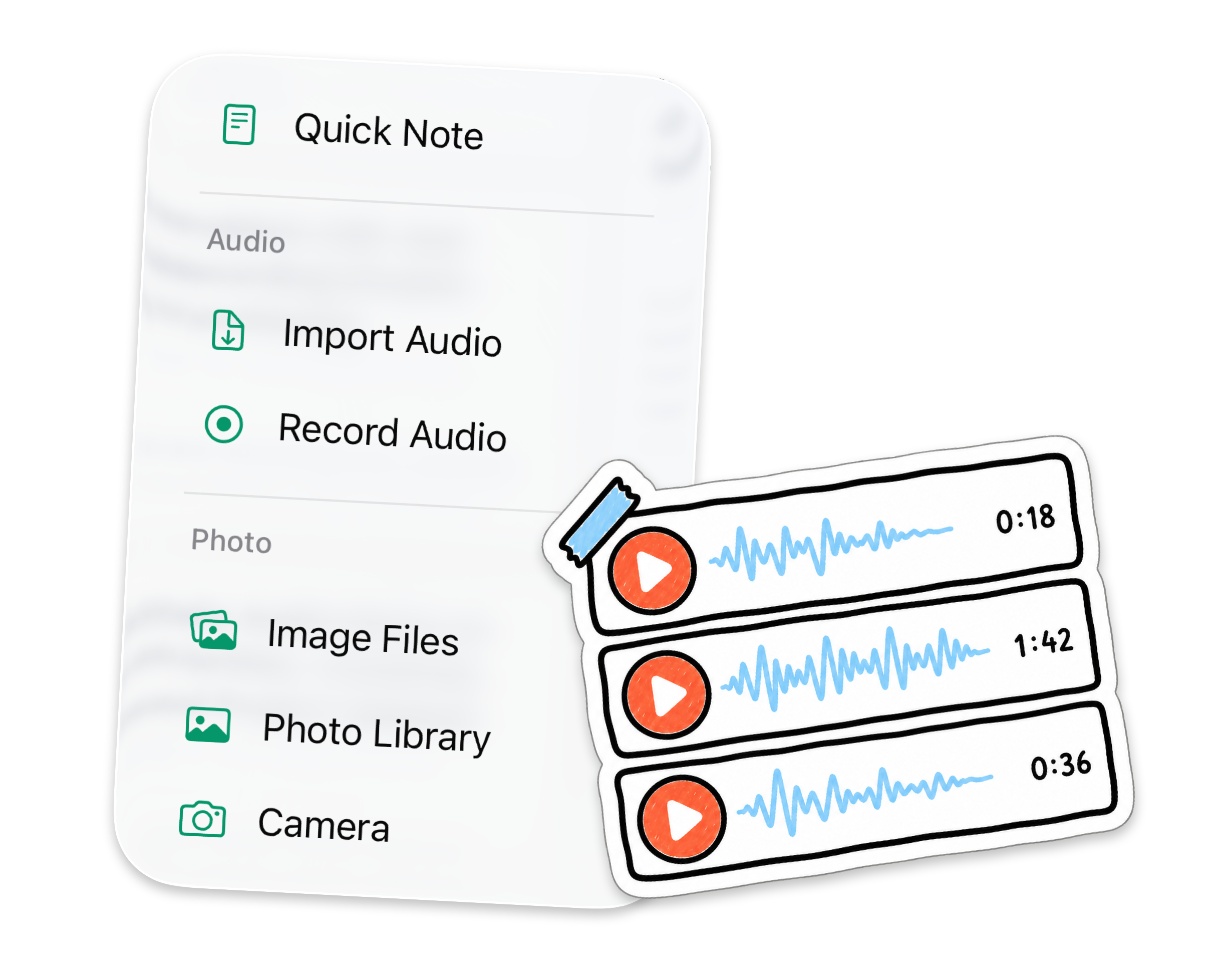
Ideas rarely arrive in one format. Record the conversation, add the whiteboard photo, type the missing detail, or bring in existing audio — every source can live together in one richer note
From raw information to useful work
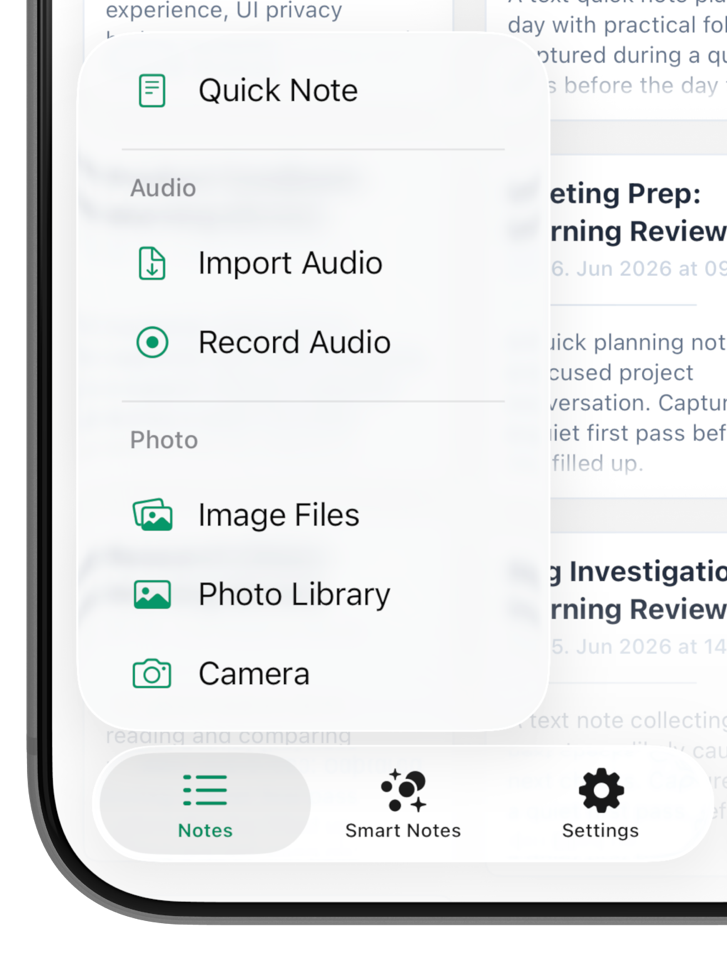
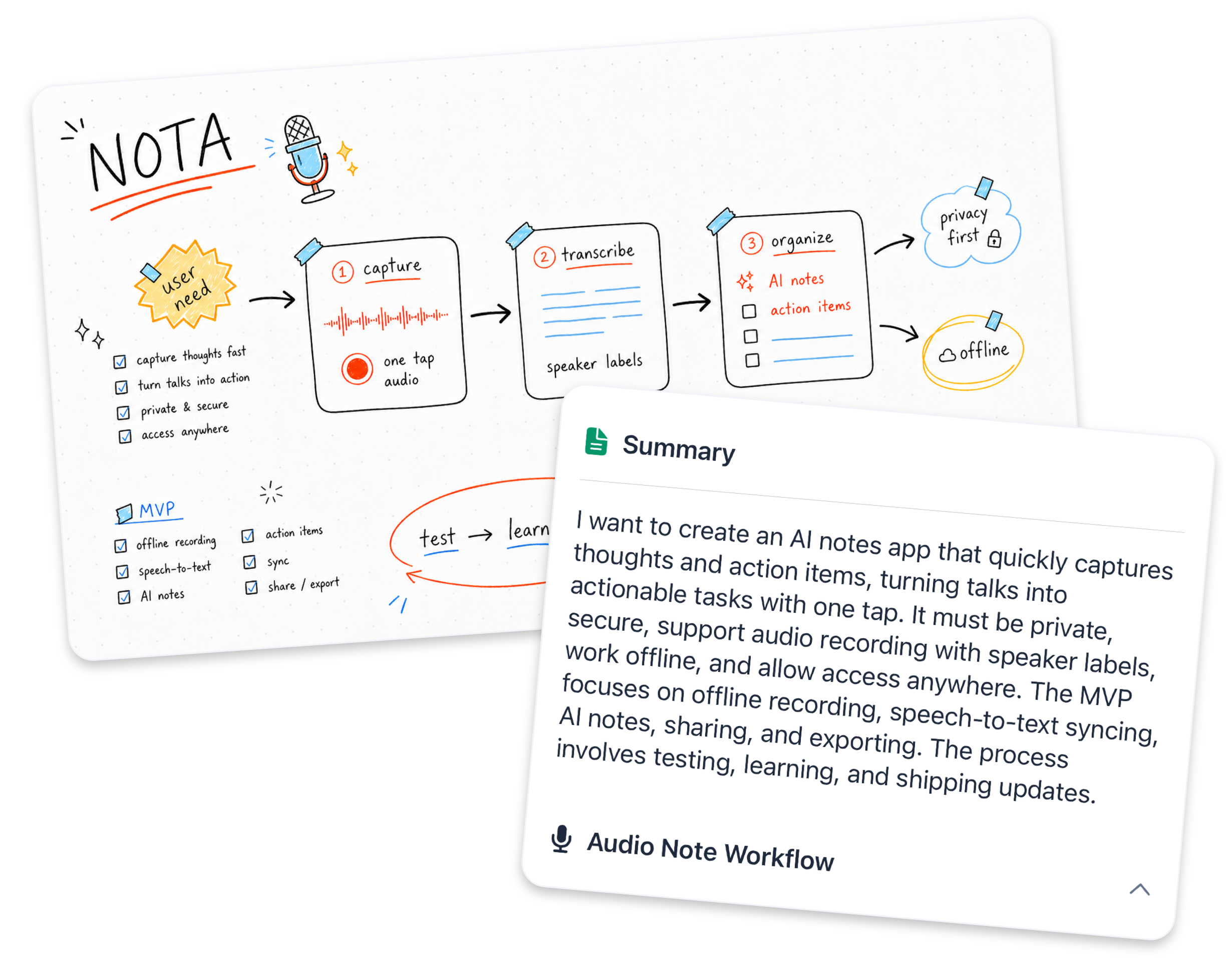
Nota does more than leave you with a transcript — it finds the parts worth acting on, lets you ask for what matters, and helps shape the result into something you can use
-
01
Capture
Record, type, add an image, or import audio
-
02
Understand
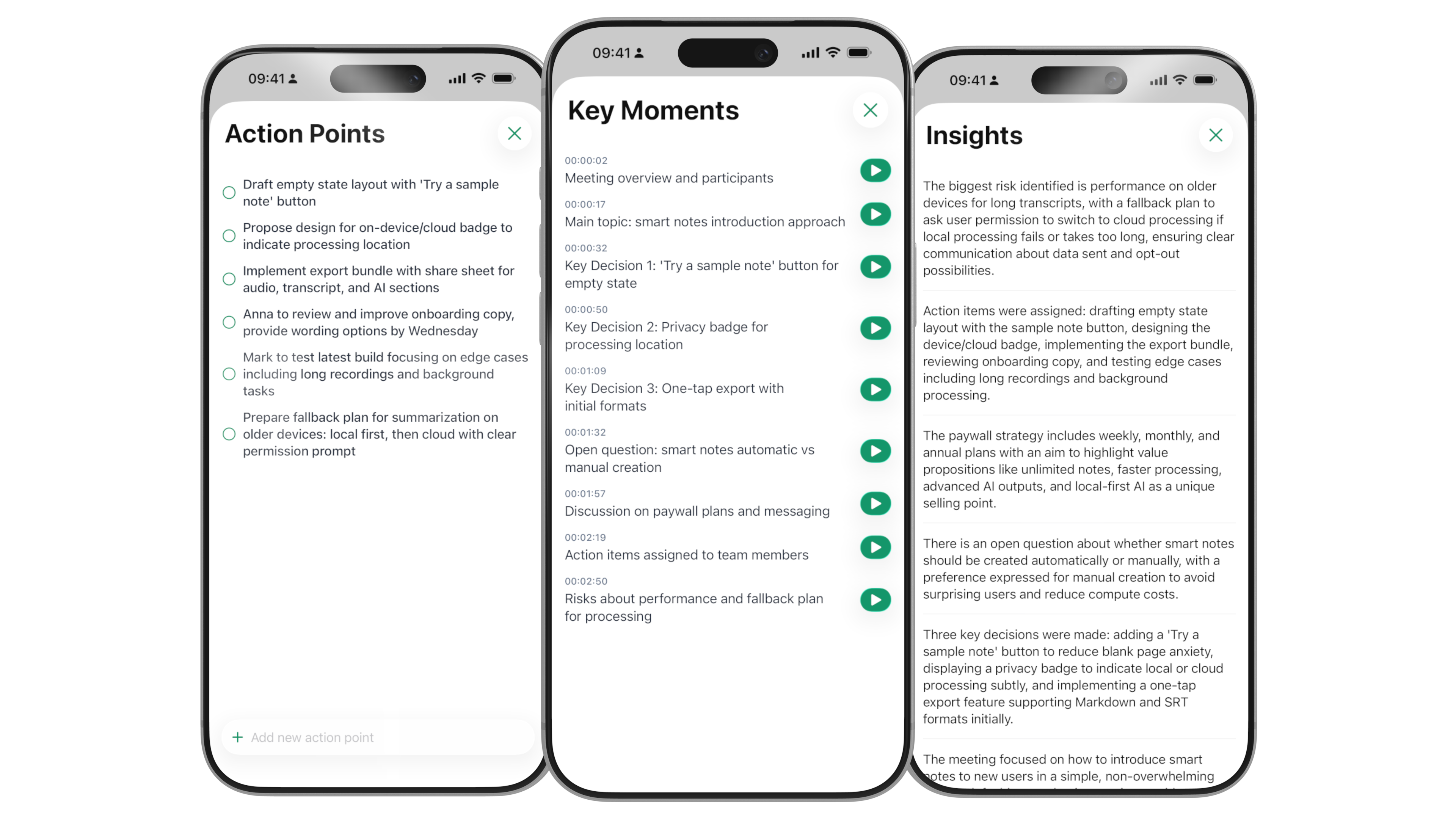
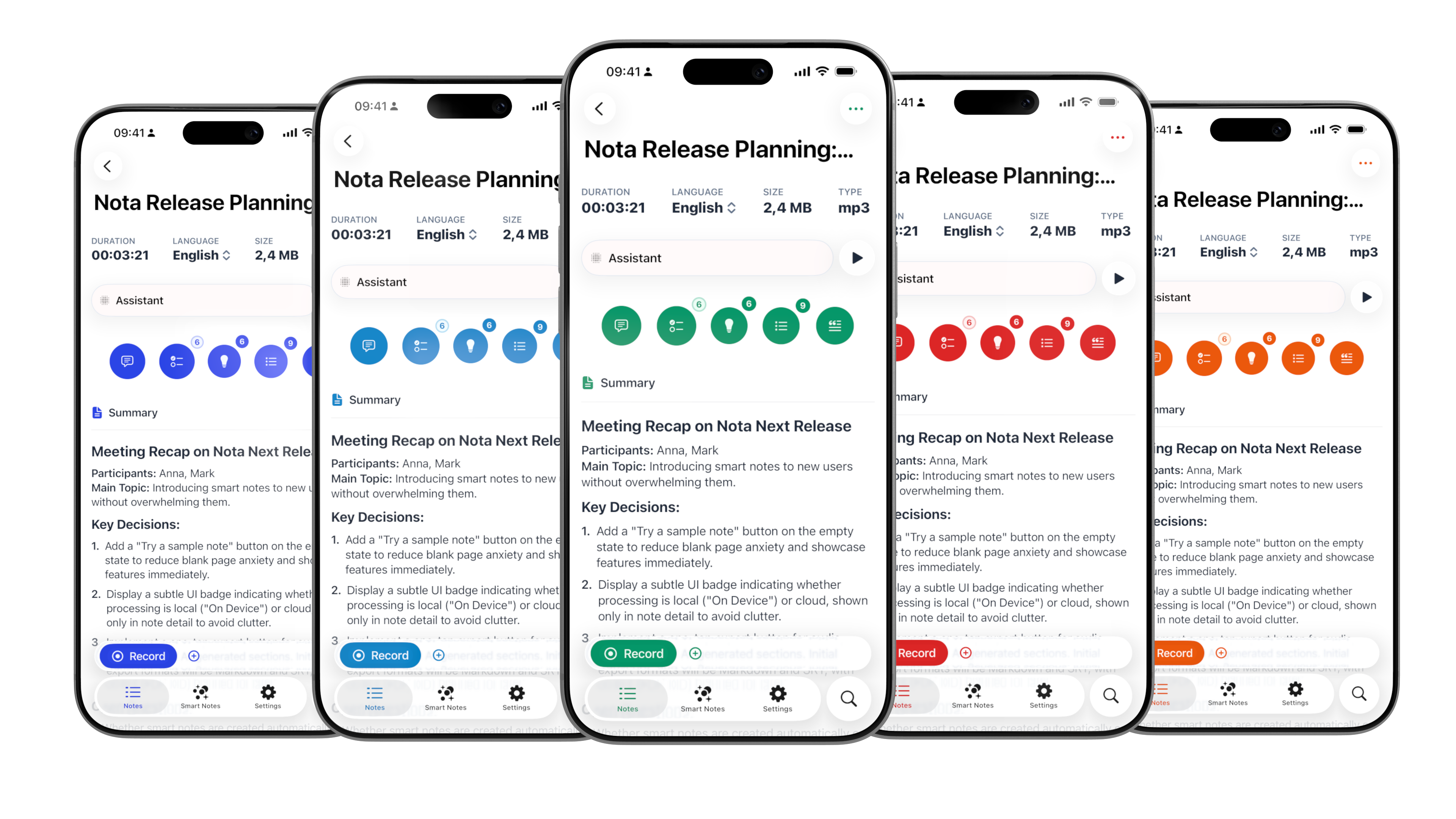
Get summaries, action points, key moments, and insights automatically
-
03
Ask
Extract decisions, unresolved questions, risks, or a specific topic
-
04
Create
Turn what you captured into a plan, brief, follow-up, or working document
Transcript
Summary
Action points
Key moments
Decisions
Insights
Smart Notes
Connect scattered notes into one clear result
A single note captures one moment — Smart Notes reveal what those moments mean together — choose a topic and time range, and Nota turns the relevant information into a coherent, editable result you can keep refining
Note Assistant
Ask your own information
Each note has an assistant grounded in its content — ask a direct question when you need to find a fact, or ask Nota to create a useful result from what you captured
Extract
“What decisions did we make?”
“Which risks are still open?”
Create
“Draft a client follow-up”
“Turn this into next steps”
Smart Search
Find an idea, not just a filename
Search the meaning inside notes—not only exact words — recover details from text, transcripts, summaries, and image content, then narrow results with dates and filters
- Typed notes
- Transcripts
- Generated results
- Images and attachments
Useful from the first note
One calm place for the work around your work
Capture the source while it is fresh — leave with an outcome you can use
01
Briefs · Recaps · Next steps
02
Insights · Themes · Evidence
03
Plans · Decisions · Risks
04
Summaries · Actions · Context
05
Outlines · Drafts · Angles
06
Explanations · Recall · Guides
Client work
Keep the client call, scope screenshot, and typed context together for clearer briefs and follow-ups
Customer research
Combine interview audio, observation photos, and research notes into themes and evidence
Planning
Bring voice ideas, visual references, and typed constraints into one workable plan
Meetings
Add the whiteboard photo and agenda to the recording so the whole meeting stays understandable
Content creation
Shape voice fragments, visual references, and typed drafts into a coherent direction
Learning
Combine lecture audio, slide photos, and your questions into explanations and study guides
Nota for Apple Watch
Catch the thought while it’s still with you
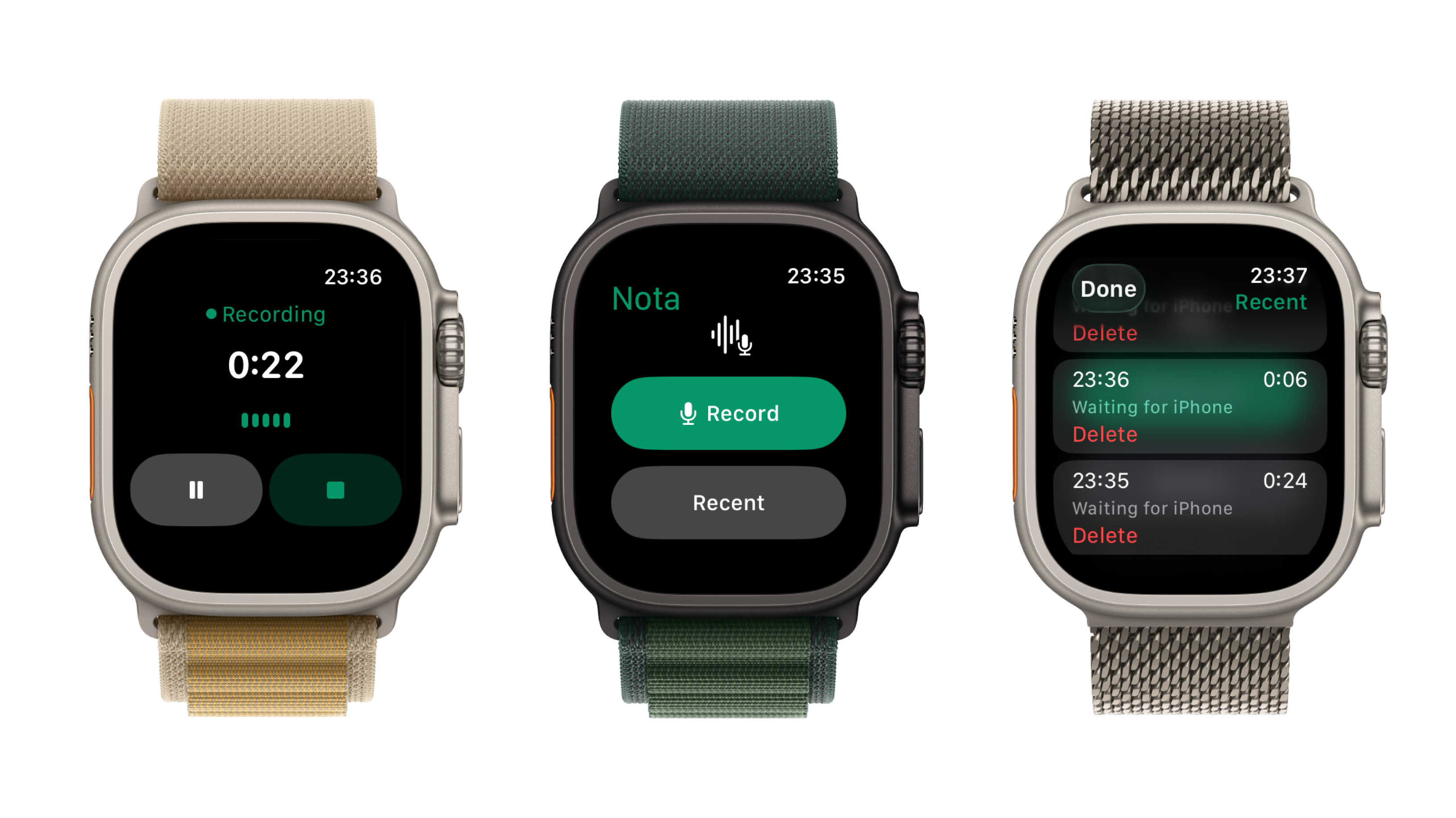
Start a voice recording from your wrist, pause when you need to, and send it to Nota on your iPhone — ready to become a useful note
- Record from your wrist
- Pause or finish in a tap
- Continue in Nota on iPhone
Private by design
Your notes stay in your Apple world
Nota requires no Nota account — transcription happens on device where supported, and your notes sync through your own Apple account with iCloud
Read our privacy policy- No Nota account
- Start without creating another identity or password
- iCloud sync
- Keep notes available across your signed-in Apple devices
- On-device transcription
- Audio is transcribed locally where the device and language support it
- Portable work
- Export notes when you need to share or continue elsewhere
Private AI Notes & Assistant
Turn what you capture into what comes next
Start with a thought, conversation, image, or recording — Nota helps you understand it and shape it into useful work