
Content creation
Give scattered creative material one direction
Keep voice fragments, visual references, and draft lines together until the strongest angle becomes clear.

Before the draft
Creative work arrives as material
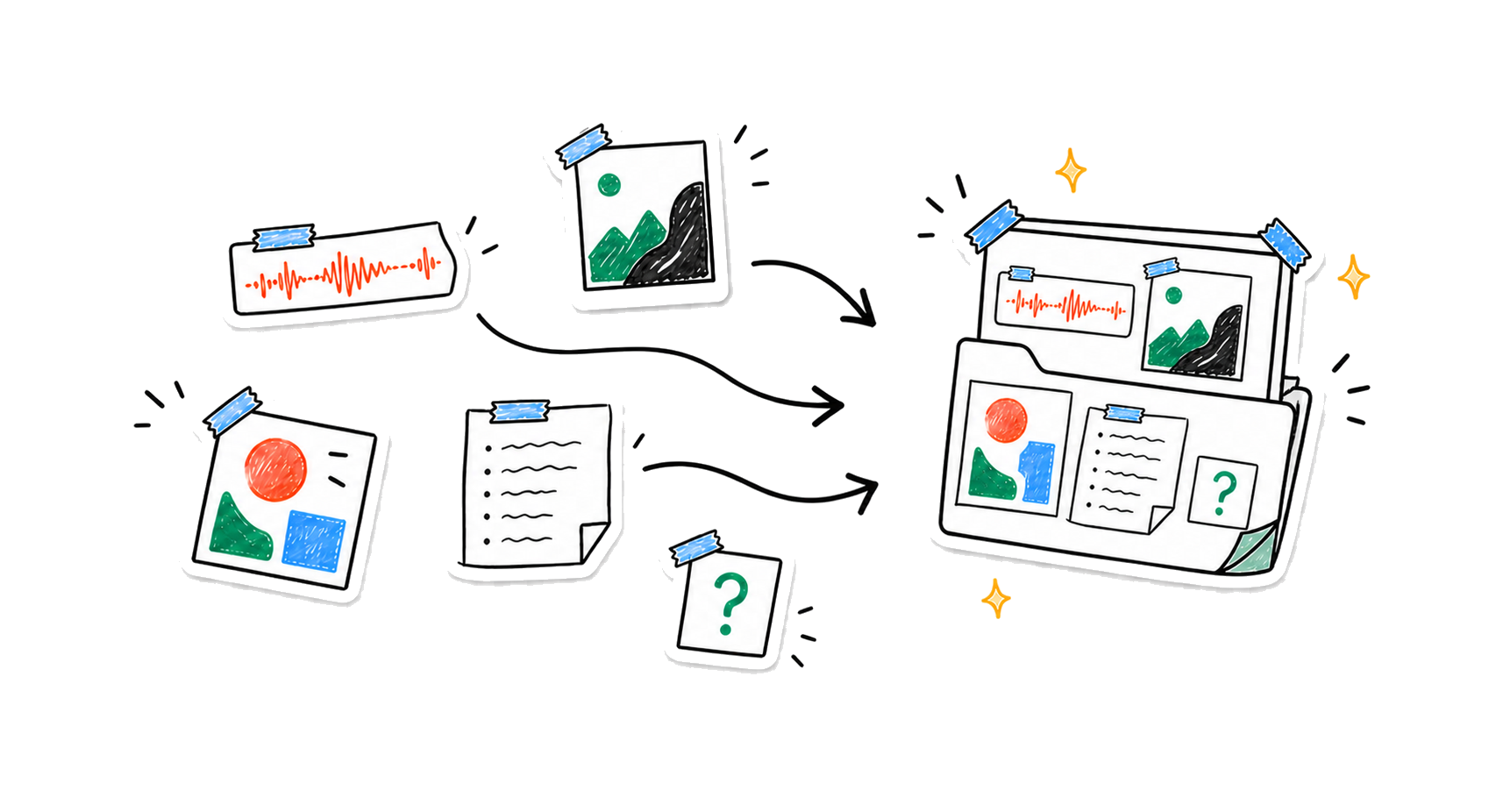
A sentence said out loud. A frame with the right mood. A line that may become the opening. Nota lets them belong to the same idea before they need to be tidy.
- VoiceThe live thought
- ImageThe visual world
- TextThe first lines
Keep the fragments before they make sense
Record the thought, add references and screenshots, then type the line you do not want to lose. One note can hold voice, images, text, and imported audio together.
Find the angle without flattening the idea
Nota can look across the complete reference set while the unusual edges are still visible.
- NoticeSee what repeats
Find the image, phrase, or tension connecting the fragments.
- ChooseName the strongest angle
Surface the direction with the clearest energy and purpose.
- ProtectKeep the open edge
Hold onto the questions and alternatives worth developing next.
From raw material to a direction you can use
Turn the shared theme into an outline, creative brief, or promising next directions—grounded in everything you captured.

Ask the material
Let the fragments answer together
- “What theme connects these fragments?”
- “Which line has the strongest tension?”
- “Turn this into an outline or creative brief”
The direction can keep evolving
Combine related notes into a Smart Note, refine the result as new material arrives, revisit earlier versions, and recover a half-remembered reference with Smart Search.
- Available on
- iPhone and iPad
- Companion
- Apple Watch voice capture
- Sync
- Optional iCloud sync*
*iCloud sync is available for Pro users.
Unpublished ideas stay under your control
No account is required for the core experience. Notes are stored on your device by default, with on-device transcription where supported and optional cloud processing for features you choose.
Read the privacy policyKeep the spark. Find the direction.
Capture first. Shape the work after.