

Planning
Turn rough thinking into a plan you can use
Bring the idea, references, and real-world constraints together—then shape them into priorities, decisions, and sequence.

A plan begins as fragments
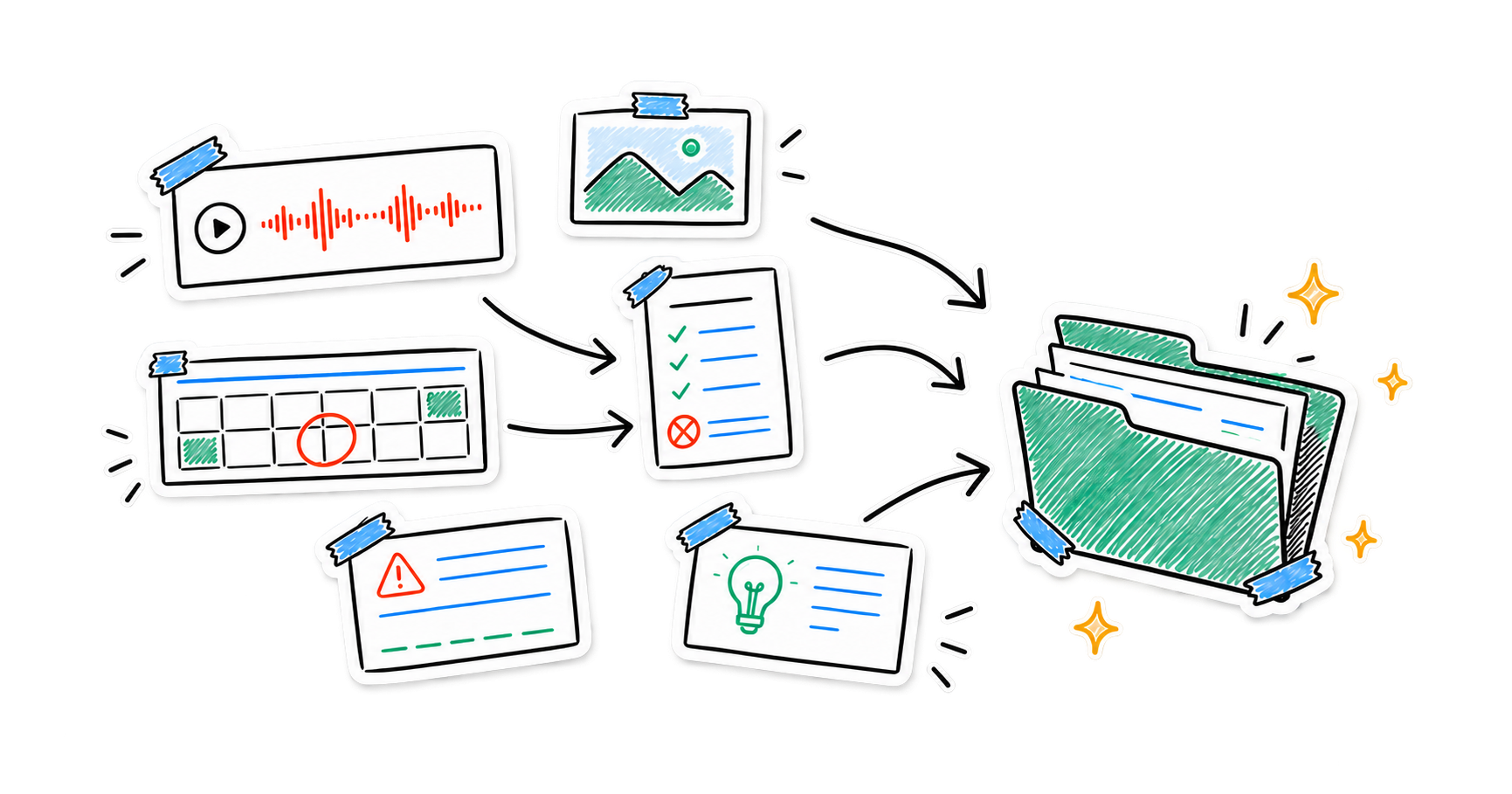
Plans rarely arrive in order. Nota keeps the spoken thought, the visual reference, and the practical boundary in one place while the direction is still forming.
- VoiceRough thinking
- ImageReferences
- TextConstraints
Keep the messy middle
Record alternatives before you edit them away. Add images, deadlines, budgets, dependencies, and non-negotiables to the same note.
Give every decision a reason
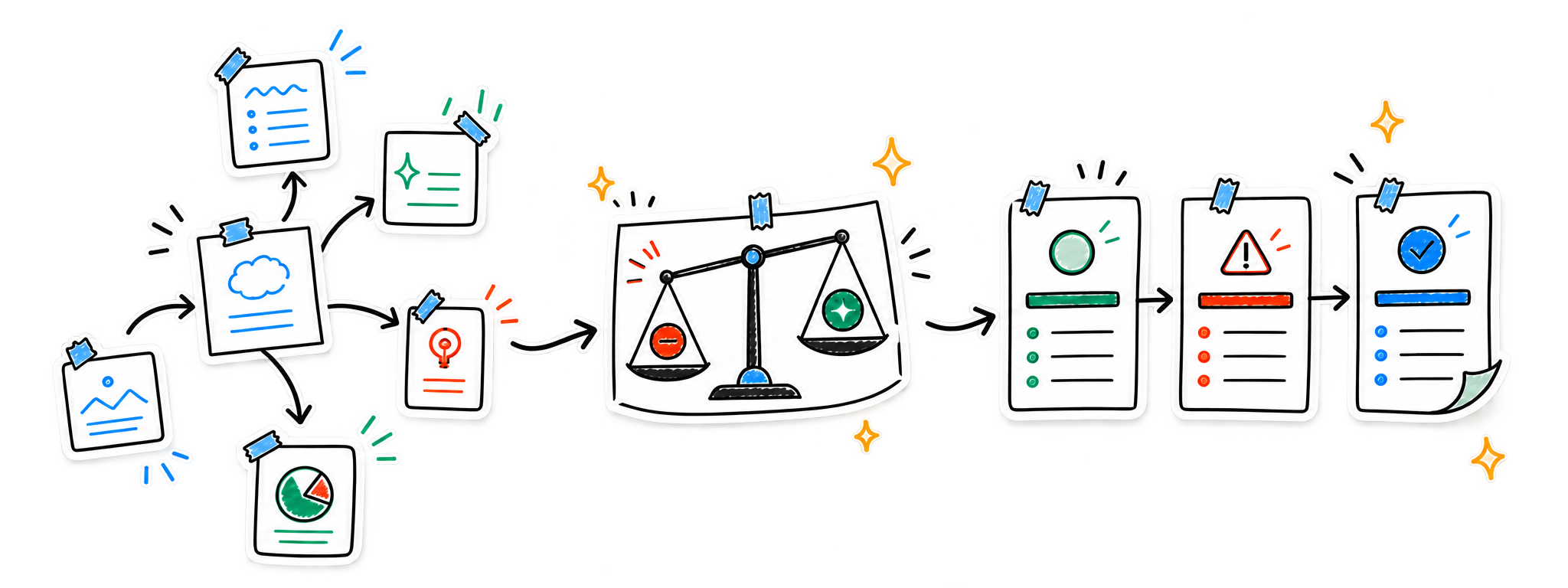
Ask Nota to surface options, tradeoffs, risks, and next steps. Build a Smart Note when several notes need to become one evolving plan.
- ExploreKeep alternatives visible
Capture the promising directions and the doubts around them.
- DecideBring in the boundaries
Compare the idea with the budget, deadline, dependency, and risk.
- ActChoose the next sequence
Turn the reasoning into priorities and practical next actions.
From possibilities to sequence
Keep the path from idea to decision traceable, so the finished plan still reflects why each priority was chosen.
Try asking
- “What constraints change this plan?”
- “Show the risks behind the preferred option”
- “Turn this into priorities and next steps”
The plan can keep changing
Continue developing a Smart Note as new evidence arrives, return to earlier versions when the reasoning matters, and use Smart Search to recover the source you need.
- Available on
- iPhone and iPad
- Companion
- Apple Watch voice capture
- Sync
- Optional iCloud sync*
*iCloud sync is available for Pro users.
Plans stay under your control
No account is required for the core experience. Notes are stored on your device by default, with on-device transcription where supported and optional cloud processing for features you choose.
Read the privacy policyCapture the thinking. Shape the plan.
Keep the idea and the reason behind it together.