

Hear what people mean, not only what they say
Keep the interview, observation, and your own context together—then trace every theme back to the moment it came from.

The transcript is only one layer
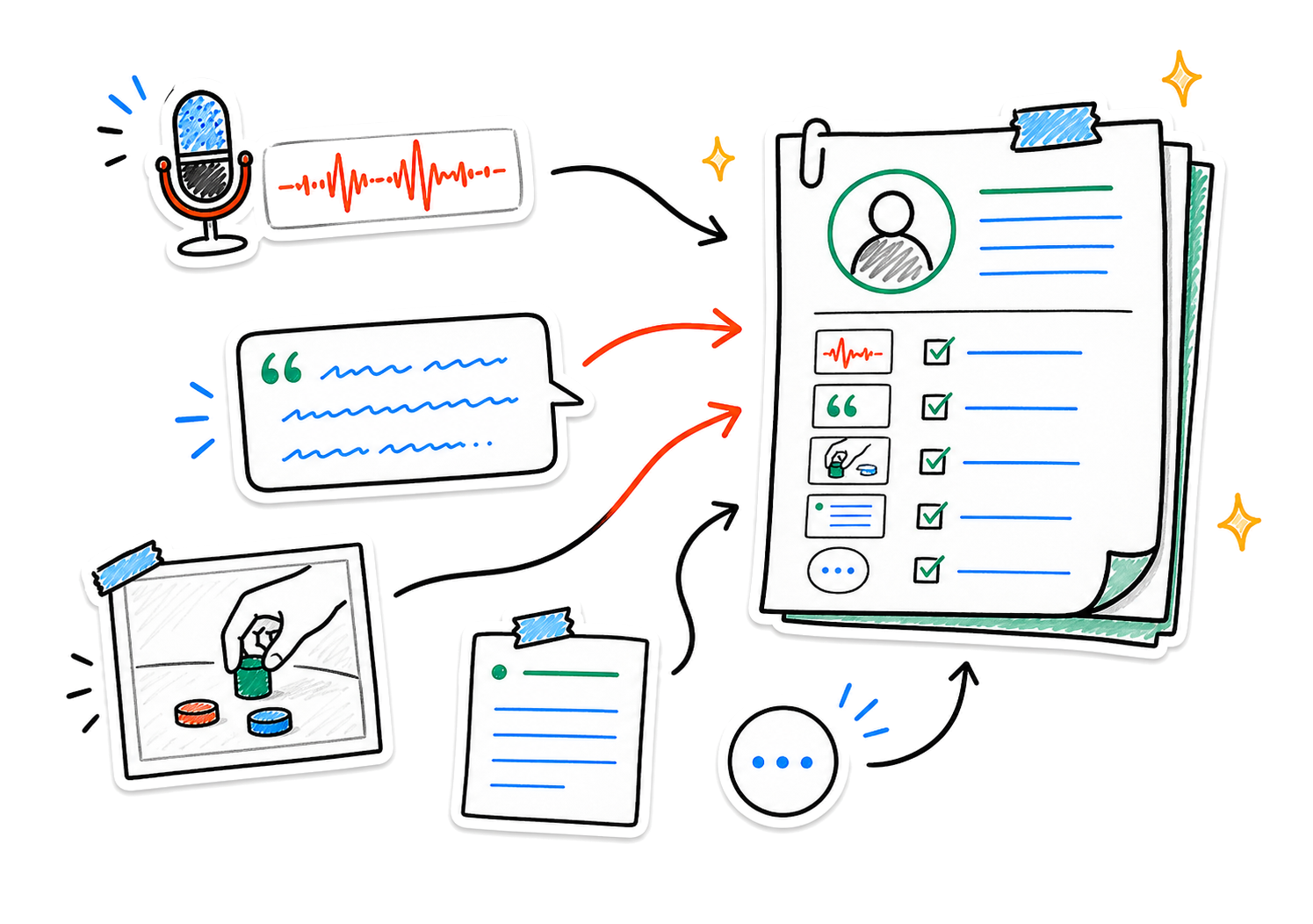
A hesitation changes a quote. A photo explains behavior. A researcher note catches the gap between what someone says and does. Nota keeps the layers together.
- Customer voice
- Observed behavior
- Researcher context
Capture the whole session
One session, held together
Record with permission or import existing audio. Add field photos, screenshots, typed notes, and the context you noticed in the room.
From one conversation to a grounded finding
Capture first. Synthesize when the evidence is ready.
- 01Capture the conversation
Record with permission or bring in the audio you already have.
- 02Attach what happened around it
Add the observation, image, or note that explains the words.
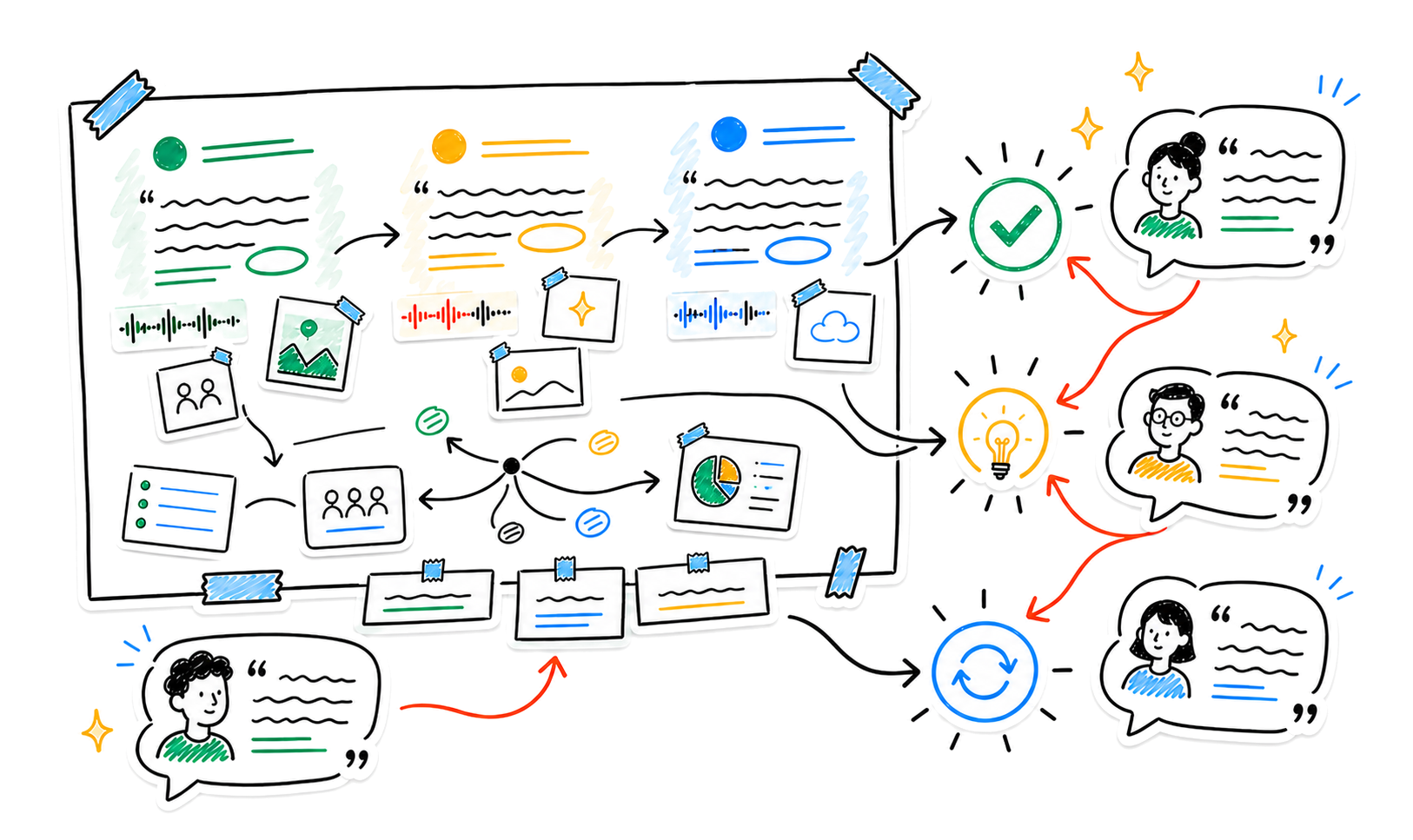
- 03Compare without flattening
Find themes while keeping each signal connected to its source.
See the pattern without losing the person
Bring several sessions into a Smart Note, find language across your notes with Smart Search, and ask Nota to surface recurring needs, tensions, and open questions.
Ask the evidence
- “Which observations contradict the interviews?”
- “What did several participants struggle to explain?”
- “Pull the strongest evidence for this theme”
Research that stays traceable
Return to a quote with Smart Search, compare sessions in a Smart Note, or capture a quick field observation from Apple Watch and continue on iPhone.
- Available on
- iPhone and iPad
- Companion
- Apple Watch voice capture
- Sync
- Optional iCloud sync*
*iCloud sync is available for Pro users.
Private by design
Sensitive conversations stay under your control
Nota requires no account for the core experience. Content is stored on your device by default, with on-device transcription where supported and optional cloud processing for features you choose to use.
Read the privacy policyKeep the signal connected to its source
Capture the customer’s words, the evidence around them, and the questions that come next.