
Meetings
Keep the whiteboard with the conversation
Record the discussion, add the whiteboard and agenda, and leave with a recap that understands more than the transcript alone.

The room is more than the transcript
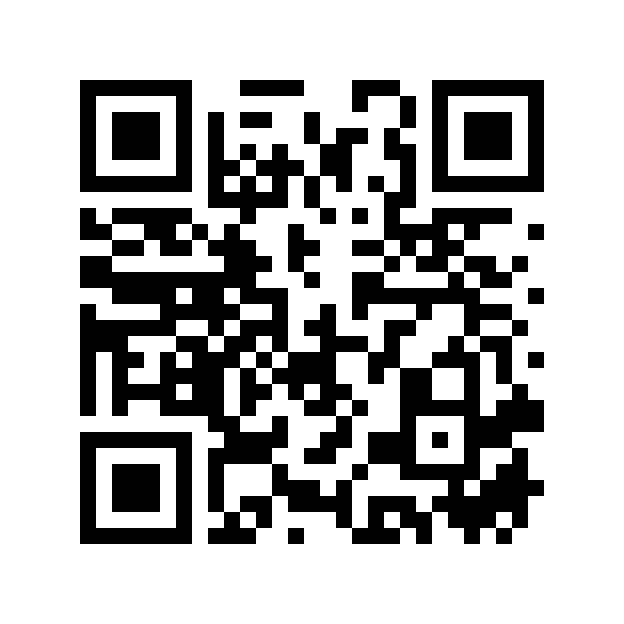
Someone explains the decision. The whiteboard shows its structure. The agenda names what the group came to resolve. Nota keeps all three together.
- AudioThe discussion
- ImageThe board
- TextThe agenda
Keep what everyone could see
Record with permission or import existing audio. Add the whiteboard photo, shared diagram, agenda, and the small clarification that was never said aloud.
A decision needs its reason
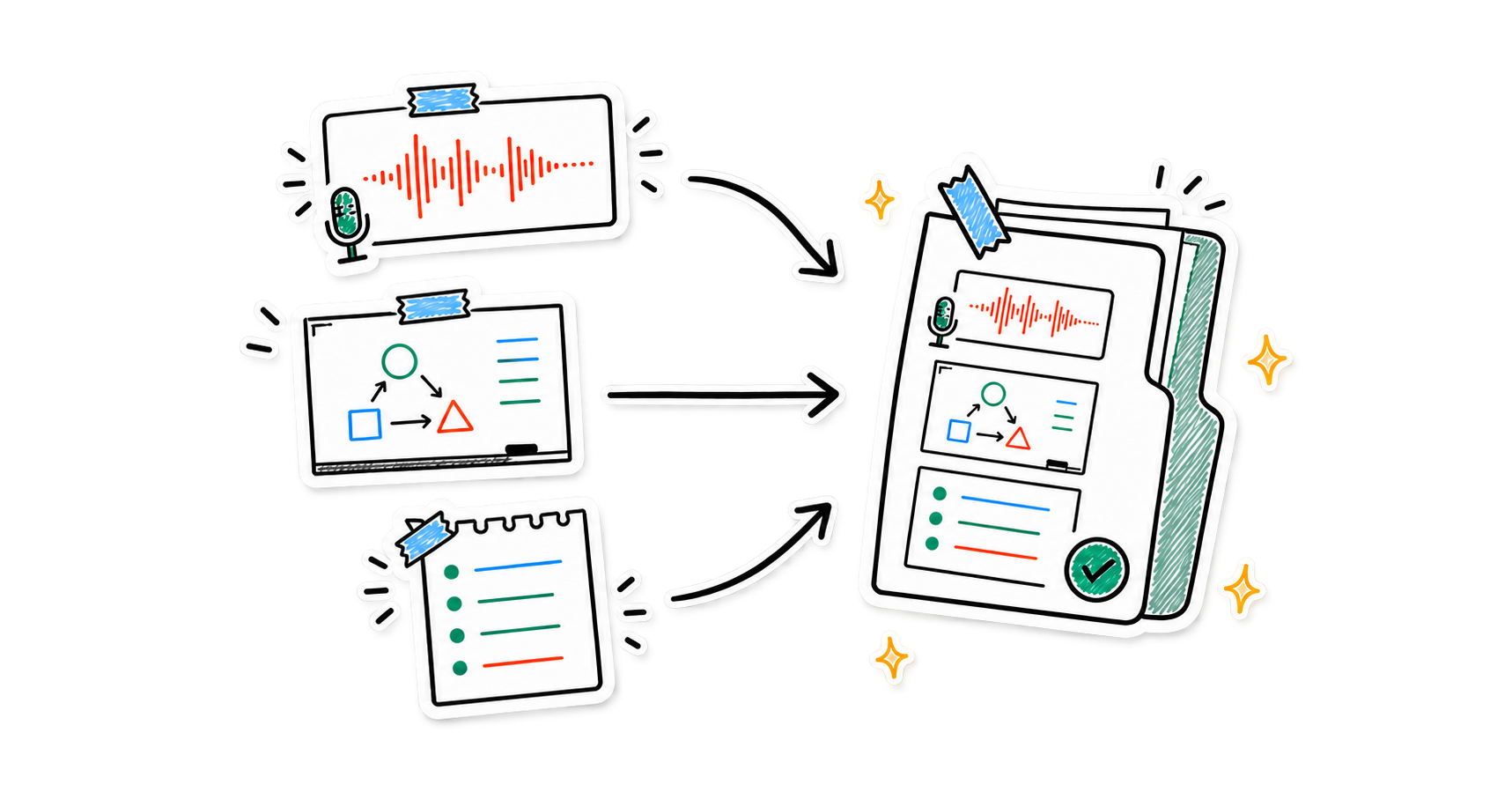
Nota can surface the decision, the context that shaped it, and the question the group still left open.
- What changedThe decision
The outcome that moved the work forward.
- Why it changedThe reasoning
The tradeoff, evidence, or constraint behind it.
- What remainsThe open question
The uncertainty that still needs an answer.
Leave with shared clarity
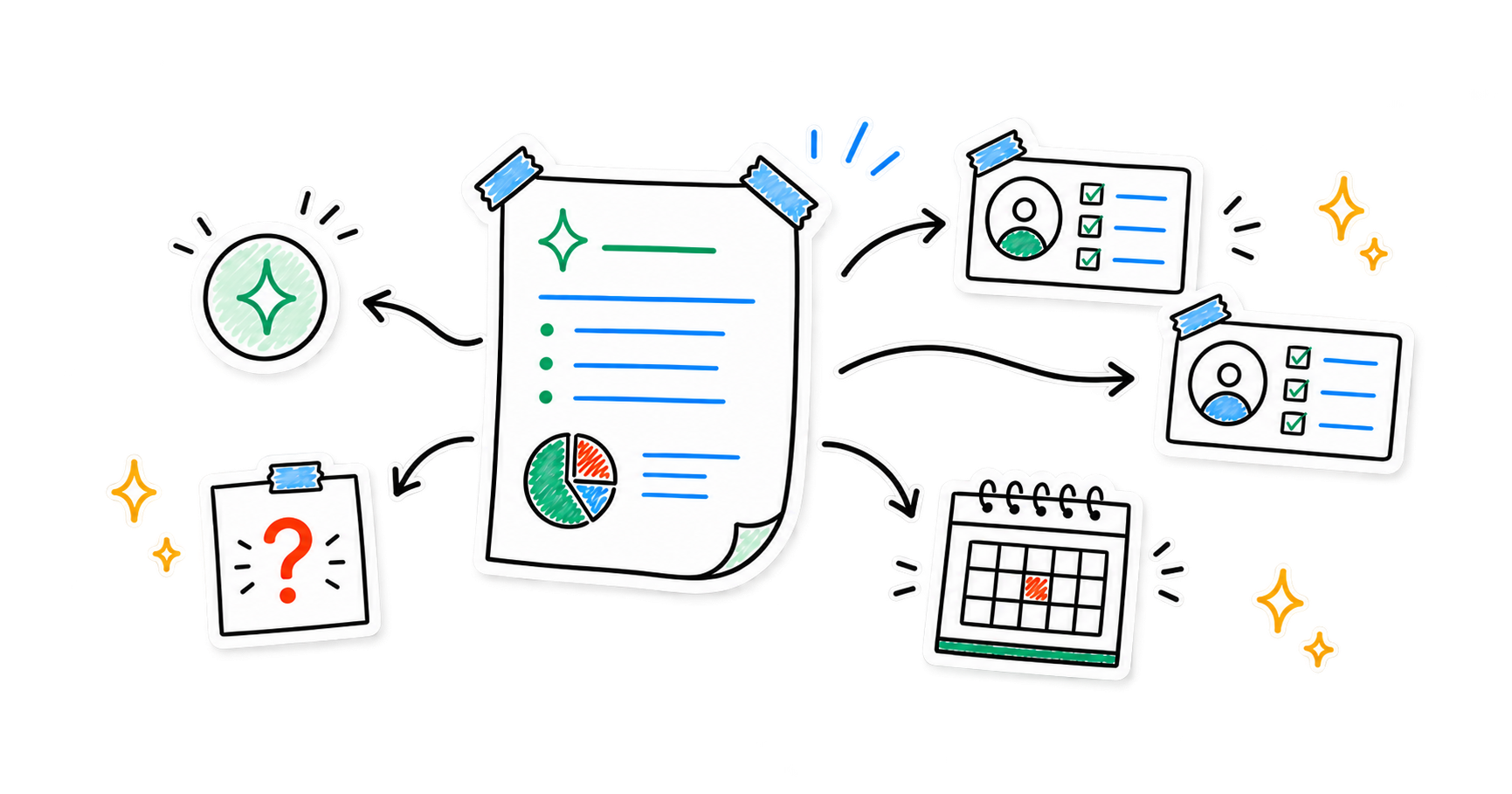
Turn the complete meeting into a concise summary, decisions, owners, action items, deadlines, and unresolved questions.
Ask the meeting
Use the assistant grounded in the note when you need the exact outcome instead of another generic summary.
- “What decisions did we make?”
- “Who owns each next step?”
- “Which questions are still unresolved?”
The meeting stays useful afterward
Return to a decision with Smart Search, bring related meetings into a Smart Note, or capture a quick follow-up from Apple Watch and continue on iPhone.
- Available on
- iPhone and iPad
- Companion
- Apple Watch voice capture
- Sync
- Optional iCloud sync*
*iCloud sync is available for Pro users.
Sensitive discussions stay under your control
No account is required for the core experience. Notes are stored on your device by default, with on-device transcription where supported and optional cloud processing for features you choose.
Read the privacy policyKeep the whole meeting together
The conversation, the board, and what happens next.