
Learning
Learn from the lecture, the slide, and your own question
Keep the explanation, the material, and the moment understanding broke down—then study from their connection.
One learning moment
A lesson has more than one layer
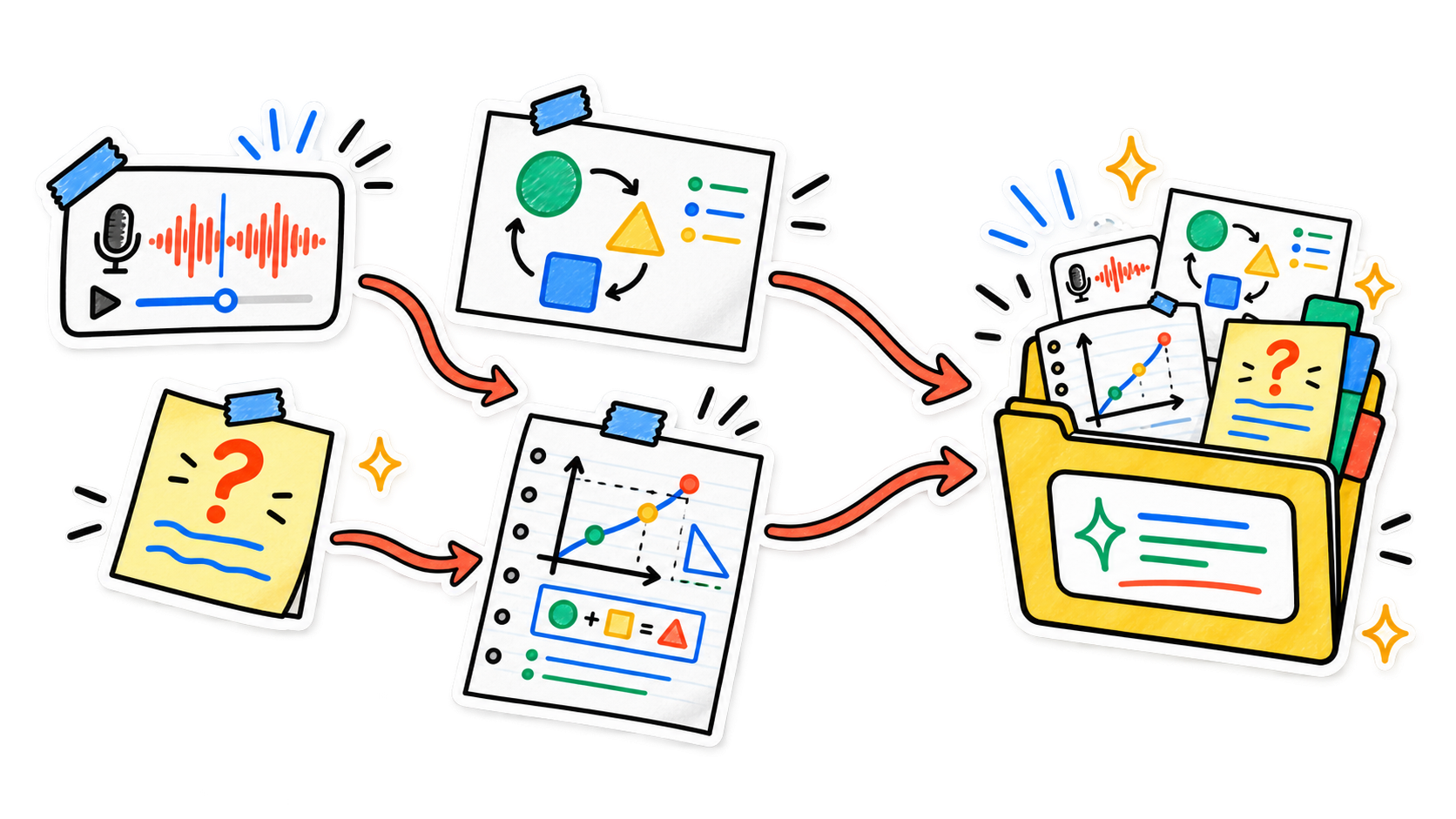
The transcript keeps the explanation. The slide keeps the model. Your own question shows exactly where the two did not connect yet.
- AudioWhat was explained
- ImageWhat you could see
- TextWhat you still need
Keep the whole lesson together
Record with permission or import existing audio. Add the slide, diagram, worked example, and the question you wrote in the margin to the same note.
Understanding is a loop, not a summary
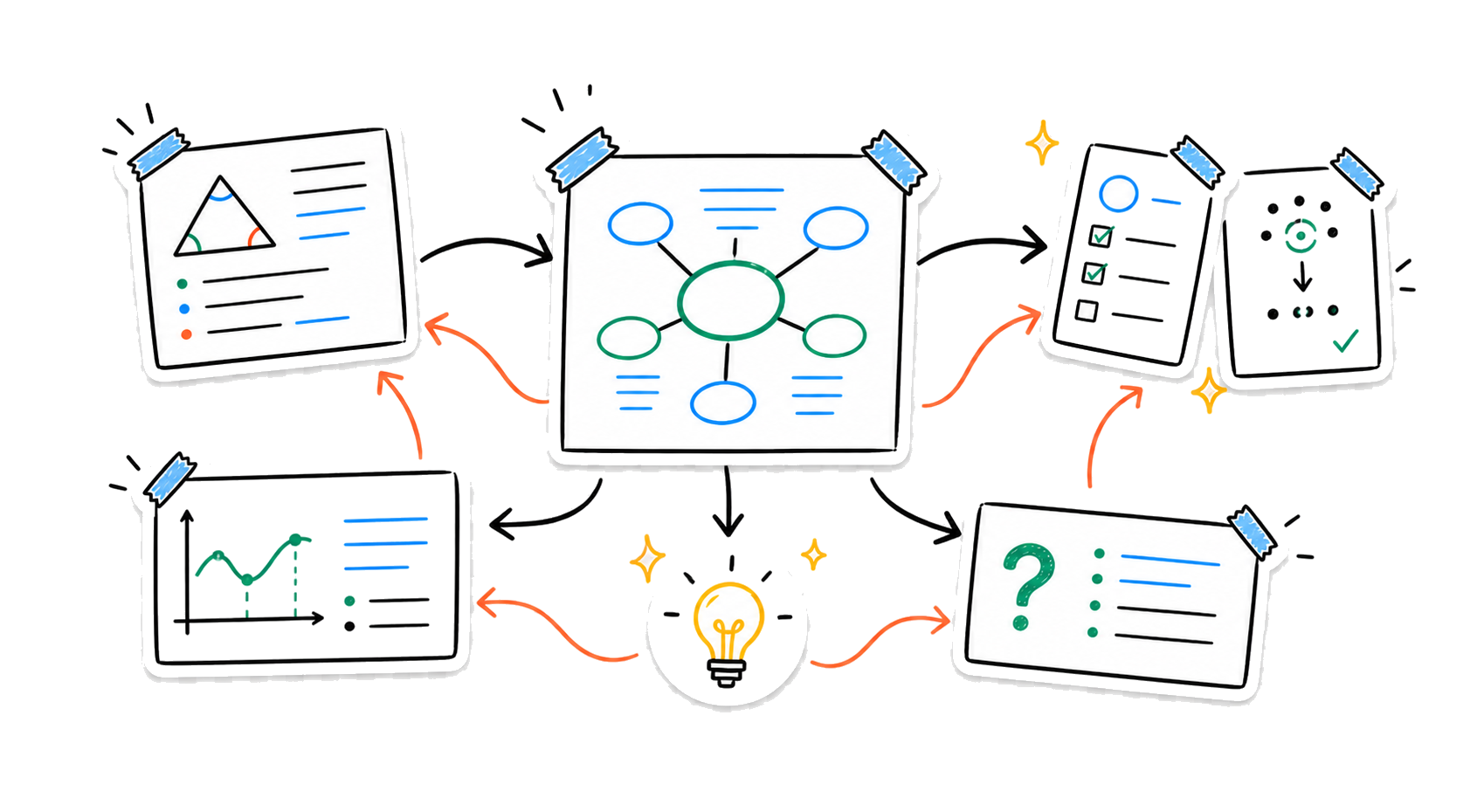
Move between the concept, an example, and your own recall until the idea holds without the original explanation in front of you.
- Connect
See which explanation belongs with each diagram and example.
- Test
Turn the material into questions, key terms, and recall prompts.
- Return
Go back to the exact source when an answer still feels incomplete.
Build connections you can study from
Shape the complete lesson into clear explanations, a connected study guide, and active-review material grounded in the sources you captured.
Ask the lesson
Study with the source still attached
- “Explain this diagram using the lecture”
- “Create recall questions from these concepts”
- “Where is my understanding still incomplete?”
Let the study guide grow with the course
Combine related lessons into a Smart Note, refine the guide as new material arrives, revisit earlier versions, and use Smart Search to recover the example you remember but cannot find.
- Available on
- iPhone and iPad
- Companion
- Apple Watch voice capture
- Sync
- Optional iCloud sync*
*iCloud sync is available for Pro users.
Your notes stay under your control
No account is required for the core experience. Notes are stored on your device by default, with on-device transcription where supported and optional cloud processing for features you choose.
Read the privacy policyKeep the lesson. Build the understanding.
Capture first. Study from the connection.