
Turn client conversations into work that moves
Keep the conversation, references, and decisions together—then shape them into a clear recap, next steps, or a working brief.

The work is bigger than the call
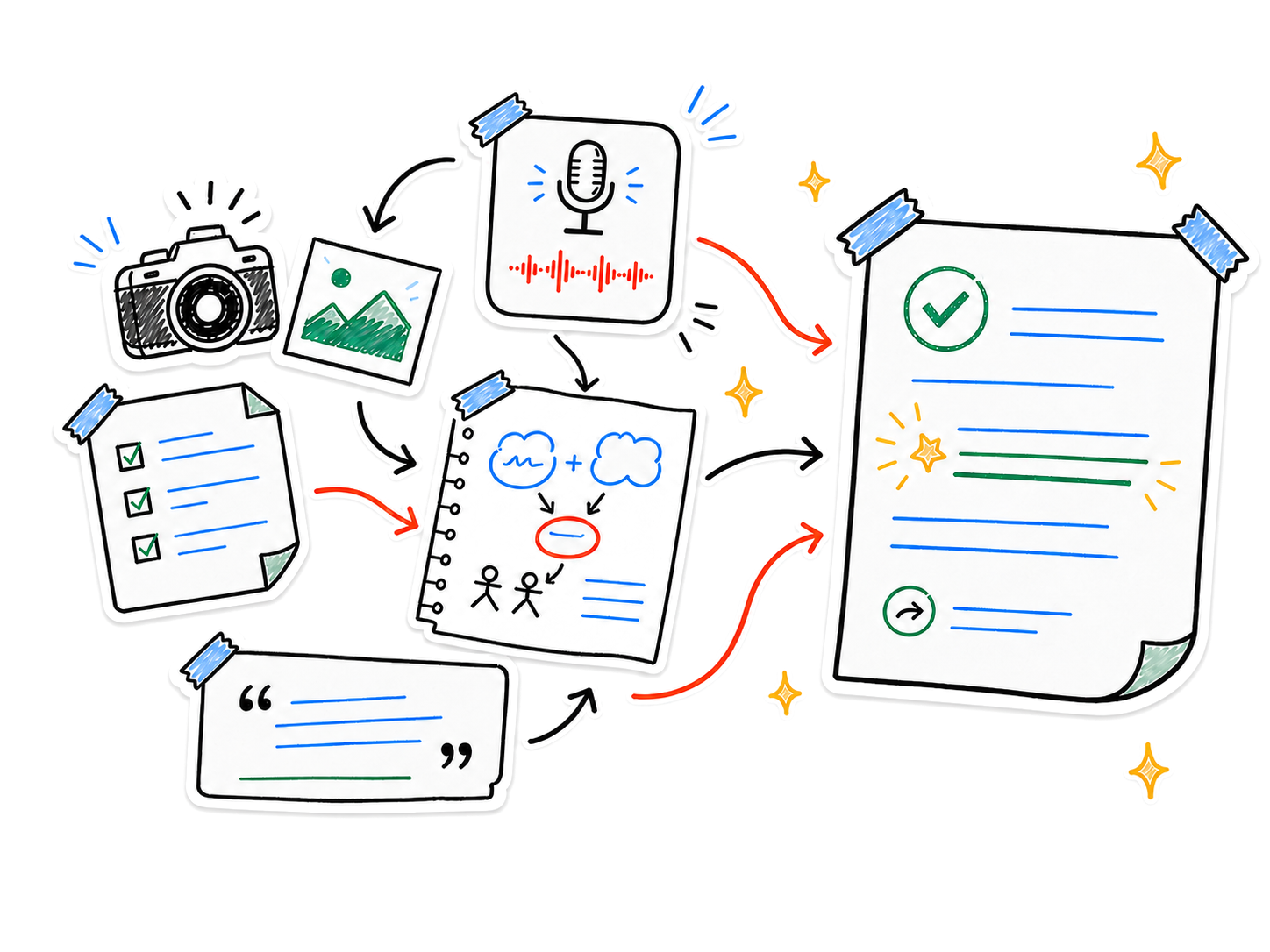
A conversation holds the client’s language. A screenshot shows the revision. Your own note keeps the constraint nobody said aloud. Nota brings each piece into one place.
- Conversation
- Visual references
- Your context
Capture
One client moment. One complete note
Record a meeting with permission, import existing audio, and add the brief, screenshots, images, or typed context that explain what happened.
Understand
Leave with something useful
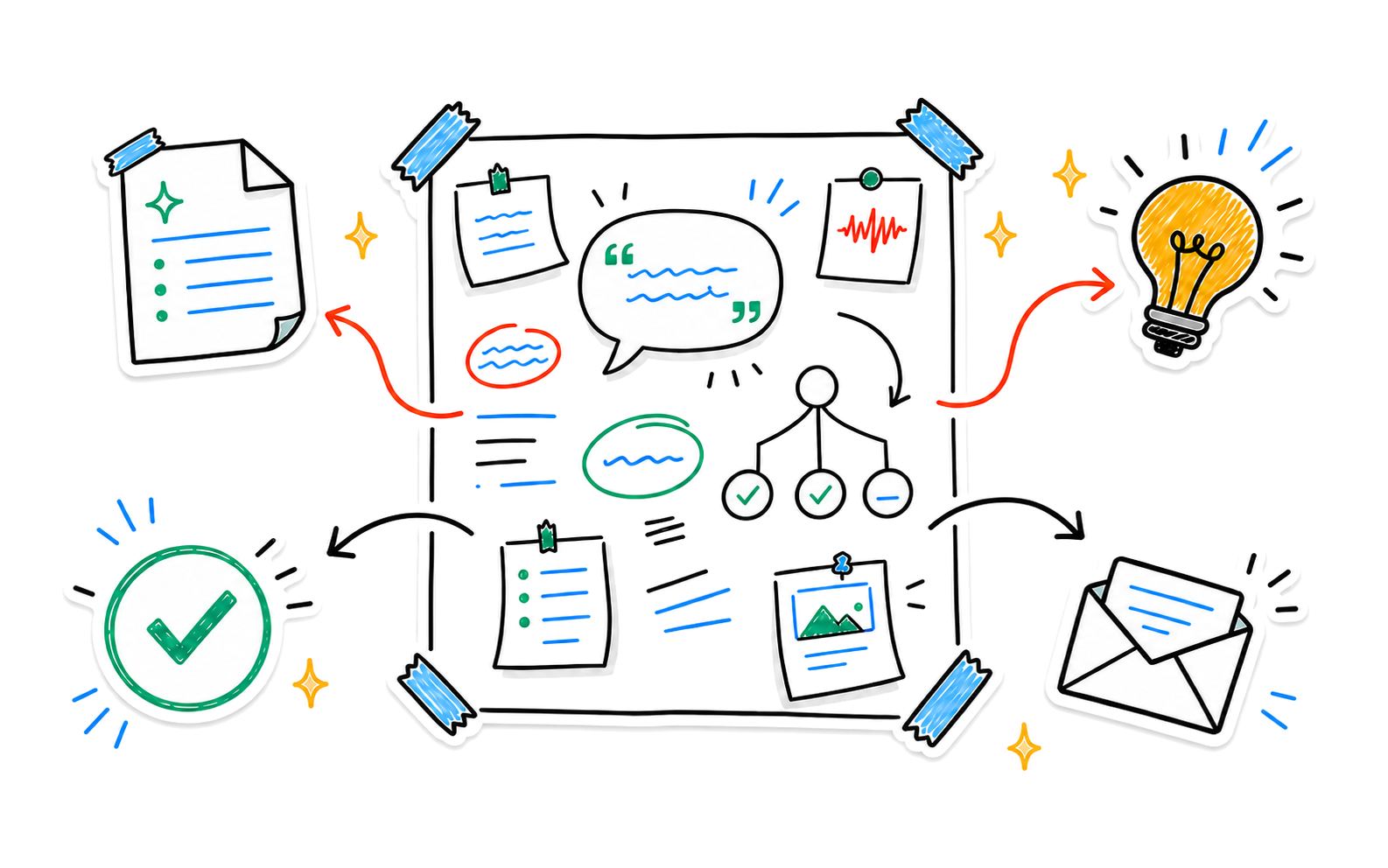
Nota surfaces summaries, action points, key moments, and insights. Ask the note assistant to draft a follow-up or turn the conversation into next steps.
From meeting to momentum
Capture first. Shape the work after.
- 01Capture the conversation
- 02Add what the audio cannot show
- 03Create the follow-through
Keep the context close
Find a decision later with Smart Search. Bring several conversations together in a Smart Note. Capture a quick voice recap from Apple Watch and continue on iPhone.
- Available on
- iPhone and iPad
- Companion
- Apple Watch voice capture
- Sync
- Optional iCloud sync*
*iCloud sync is available for Pro users.
Private by design
Client context stays under your control
Nota requires no account for the core experience. Content is stored on your device by default, with on-device transcription where supported and optional cloud processing for features you choose to use.
Read the privacy policyKeep the conversation and the next step together
Turn client material into work you can understand, share, and keep developing.