A useful note does not always begin—and rarely ends—with a single source.
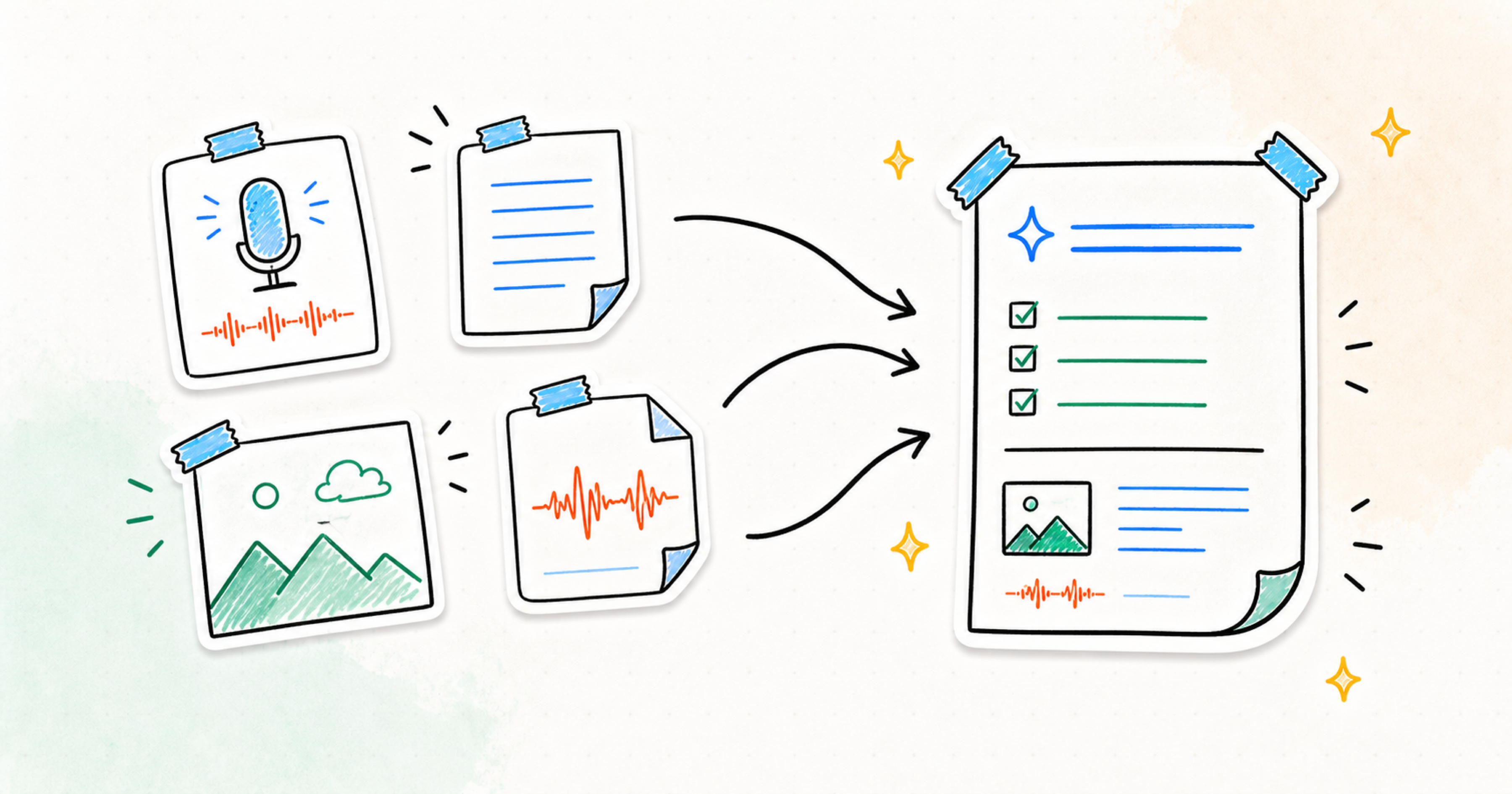
You might record a meeting, photograph the whiteboard before it is erased, and type one detail that only makes sense to your team. Until now, those pieces could become useful notes on their own. With this update, they can belong to the same note and become one deeper source of context.
Nota now lets you combine voice recordings, typed text, images, and imported audio inside a note. The result is a more complete view of what happened and stronger material for the summary, brief, plan, or follow-up you create next.
One moment, several kinds of context
Audio is good at preserving the conversation. An image can keep the diagram, slide, marked-up screen, or handwritten structure that everyone in the room could see. A typed note can add the agenda, a constraint, or the small clarification that was never said aloud.
Each source carries something different. Keeping them together means you do not have to reconstruct the moment later from separate recordings, photos, and fragments.
Start with any supported source, then add what is missing. A note can include voice, text, images, and imported audio together, so its context can grow with the work.
A meeting is more than its transcript
The clearest example is a meeting with a whiteboard.
Record the discussion in Nota, then add a photo of the board to the same note. Include the agenda or a short typed clarification if it helps explain the goal. The recording preserves what people said and why a decision was made. The image preserves the model or plan they were looking at. The agenda keeps the original question nearby.
Together, those sources give Nota more context for a useful recap: the decisions, action items, owners, unresolved questions, and visual material that shaped the conversation.
Useful across the work around your work
Multiple sources also make other everyday notes more complete:
- Keep a client call beside the latest scope screenshot and your handoff context
- Combine customer interview audio with observation photos and research notes
- Bring a spoken planning idea together with references and typed constraints
- Develop content from voice fragments, visual material, and existing draft lines
- Connect lecture audio, slide photos, and the questions you want to revisit
The goal is not to collect more for its own sake. It is to keep the pieces that explain one another in the same place.
Better inputs for the work that follows
When the context stays attached, the outputs can better reflect the real situation.
A summary can include what was shown as well as what was said. A brief can reflect the latest visual revision. A study guide can connect the lecturer’s explanation to the diagram on screen. A plan can account for the constraints you typed after the first idea arrived.
You can still make a simple note from one source. Multiple sources are there for the moments that need a fuller picture.
One richer note
Nota is built around a straightforward flow: capture the raw material, understand it, and turn it into something useful without adding unnecessary organization first.
Multiple sources make the first part of that flow more honest. Ideas and decisions already arrive through conversations, images, fragments, and files. Now one note can hold them together—and help you move forward with the context intact.